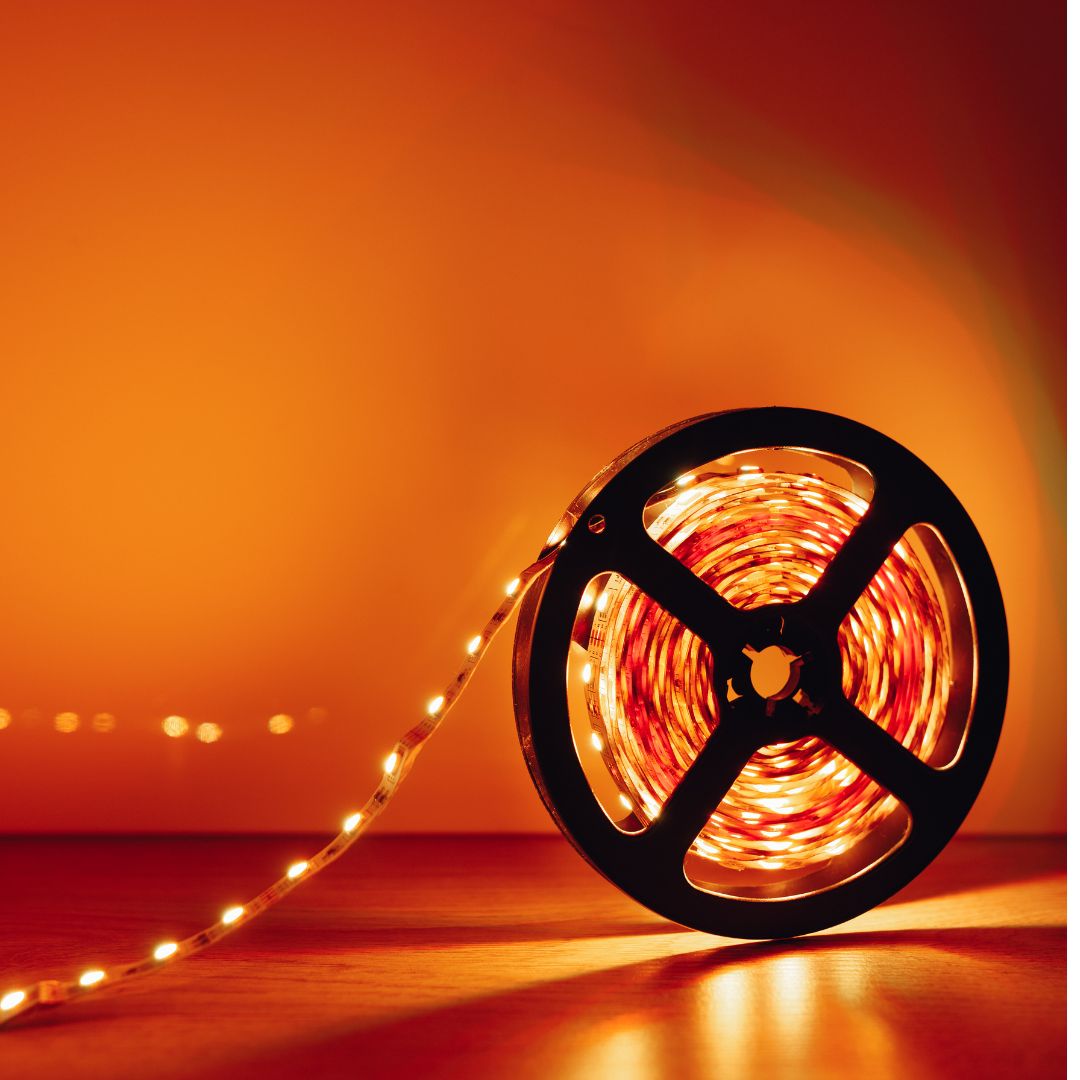


Led Strips Room
Wifi Rgb Led Strip Lights 5050 Tv Backlight Smart Led Tape Light
Wifi Rgb Led Strip Lights 5050 Tv Backlight Smart Led Tape Light
Couldn't load pickup availability
Wifi Rgb Led Strip Lights 5050 Tv Backlight Smart Led Tape Light Flexible Led Lighting Strips Bluetooth Led Lights Strips Music
5050 Strip Width: 10MM
Certification: ce,ROHS,CE,RoHs
Choice: yes
Color Temp(K): RGB
High-concerned chemical: None
Input Voltage: 5v
Is Batteries Included: No
Is Smart Device: Yes
Item Type: Strip
LED Chip Brand: SANAN
LED Chip Model: SMD5050
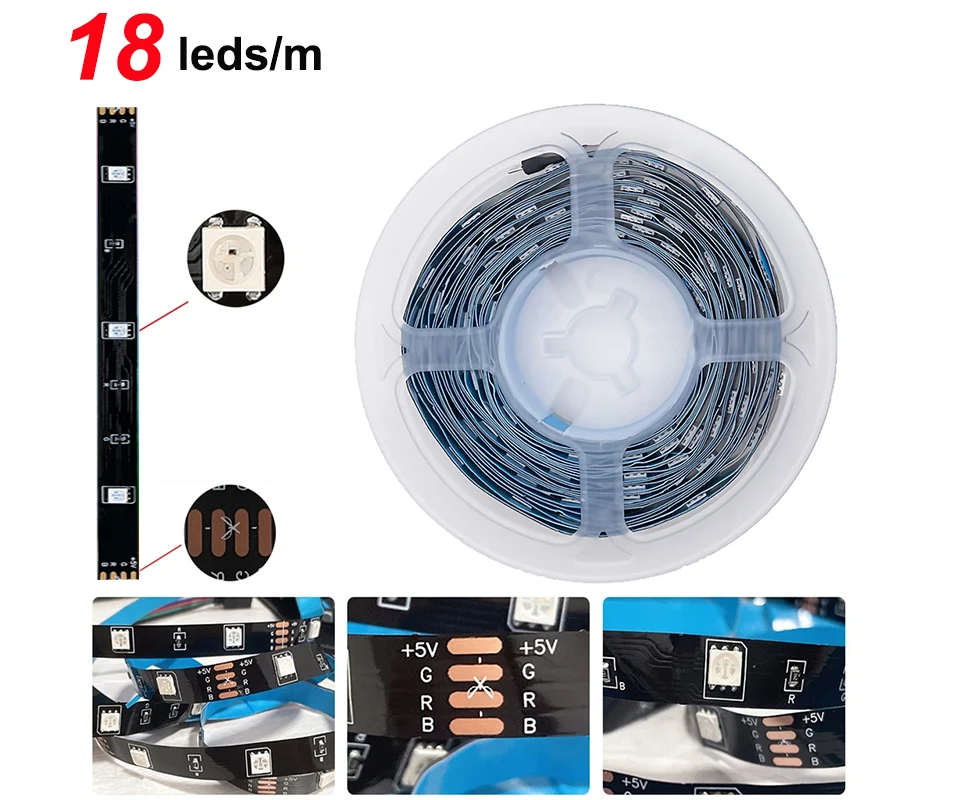
LEDs Number/M: 18
Luminous Flux: 60-249
Model Number: HS5050MH01
Nominal Voltage: 4.5V
Occasion: Bedroom
Power Consumption (W/M): 1.8W/M
Power Generation: Switch
Power Source: DC
Remote Battery: CR2025 no including
Specifications (light beads / m): 18
Strip type: SMD
Tuya Wifi App: Smart Life / TUYA
Voltage: 5V
Waterproof: No
Working Principle: USB
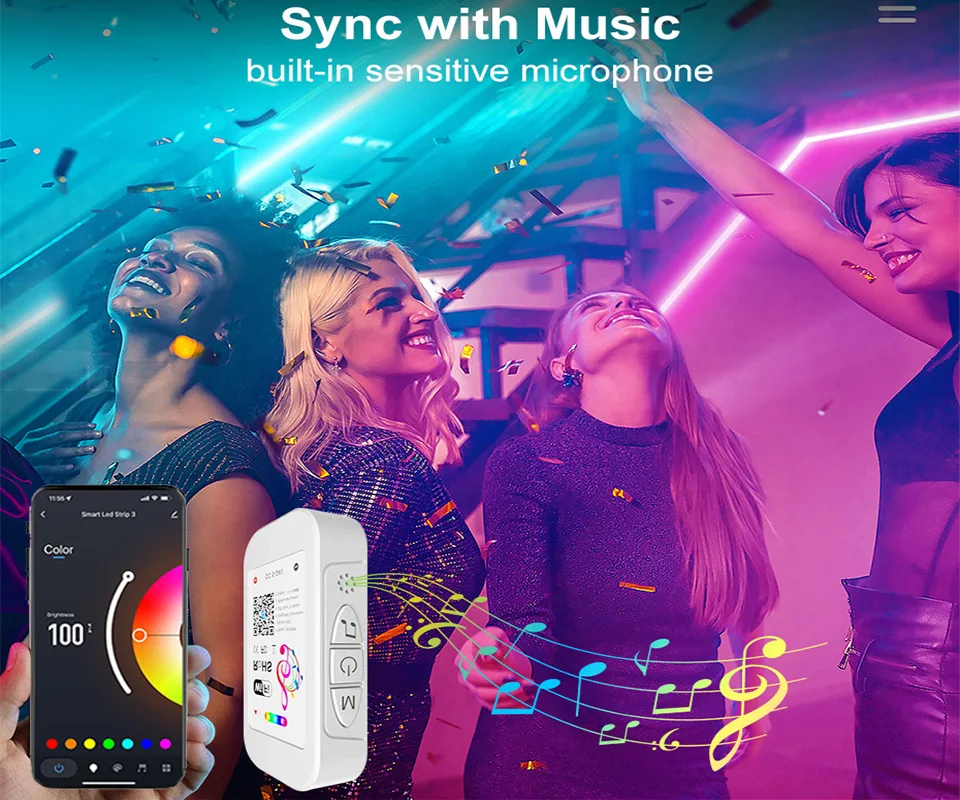
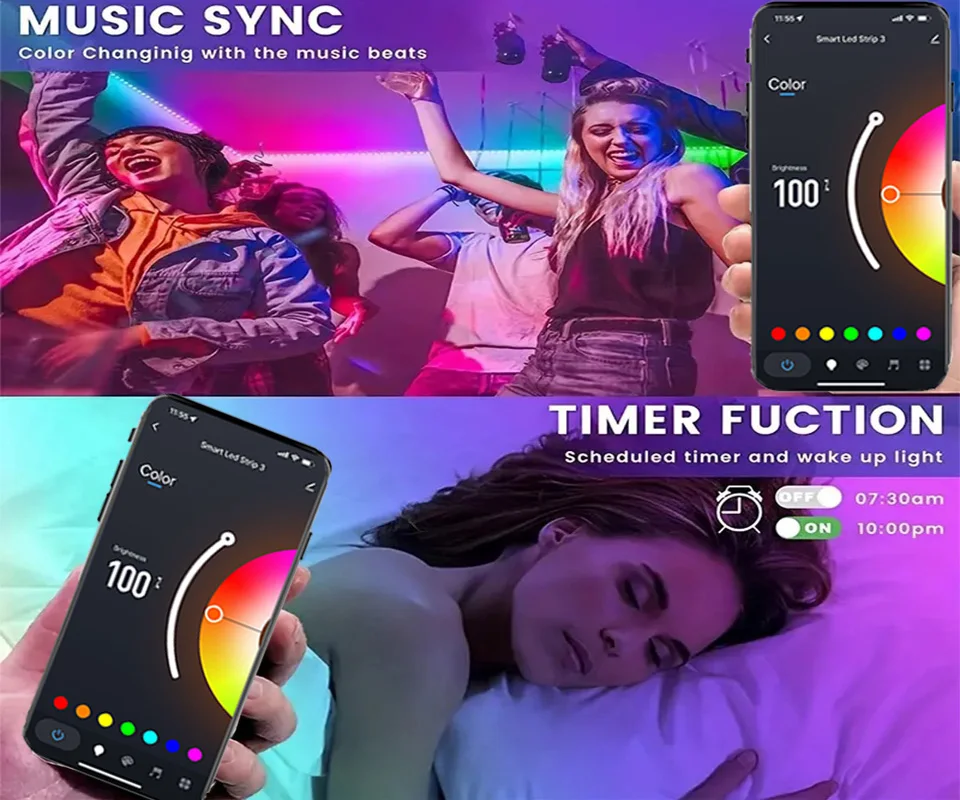
function: Music sync color changing
semi_Choice: yes
Specification :
Model: 24 Key Tuya WIFI APP / 24 Key Bluetooth APP / 24 Key NO APP / 20 Key Music NO APP / 3 Key NO APP
Length: 1M/2M/3M/4M/5M/10M/15M/20M
LED Model: SMD5050
LED QTY: 18 LEDs/M
Input Voltage: DC5V
Power: 1M-1.8W /2M-3.6W / 3M-5.4W / 4M-7.2W / 5M-9W
Waterproof Rating: IP20 Non Waterproof
Certifications: CE. ROHS
Remote Battrey:CR2025(no including)
The product link includes 5 LED strip options:
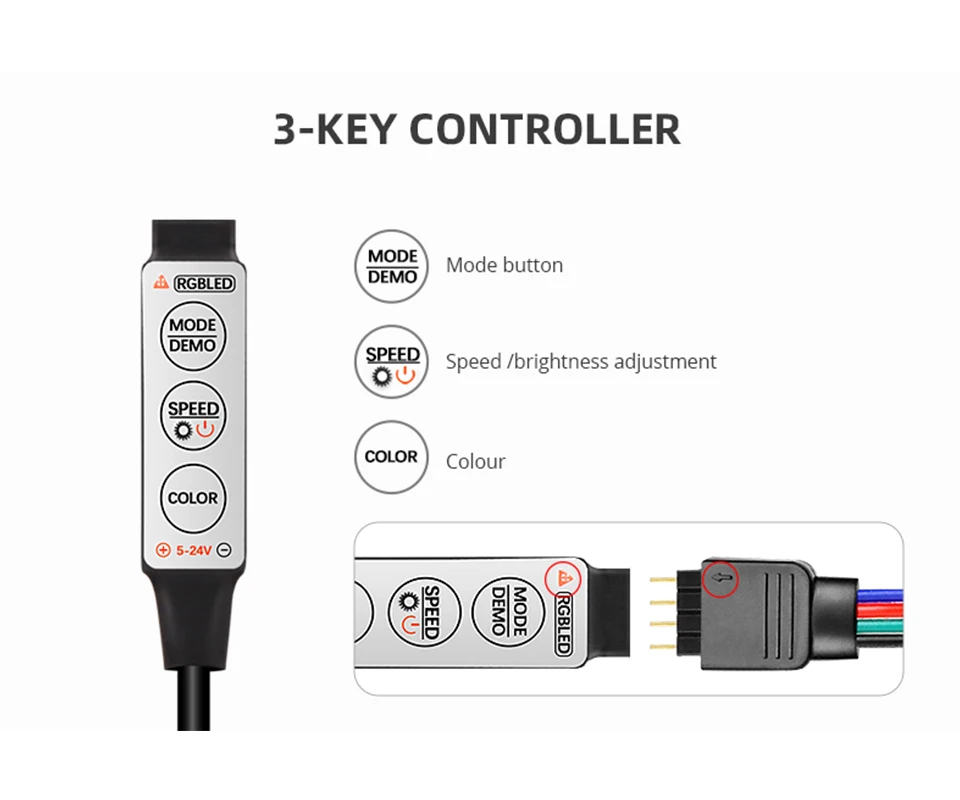
3Key controller: Led Strip + 3 Key controller ( NO Remote, NO APP).
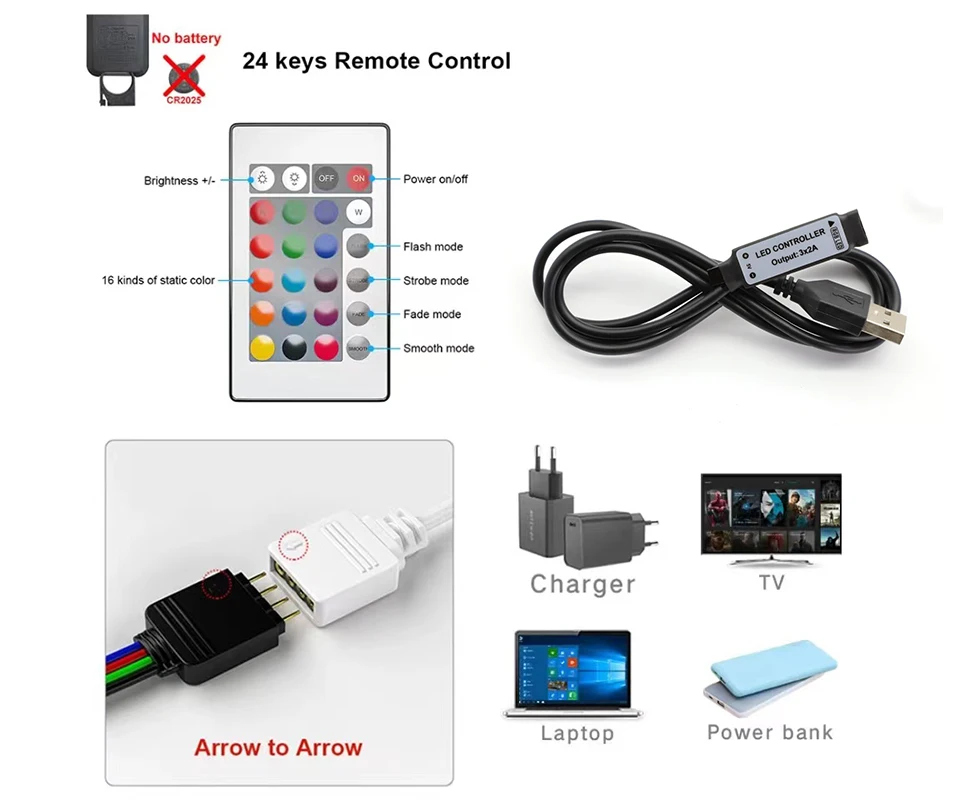
24Key controller: Led Strip + 24 Key Infrared Remote controller. ( NO APP).
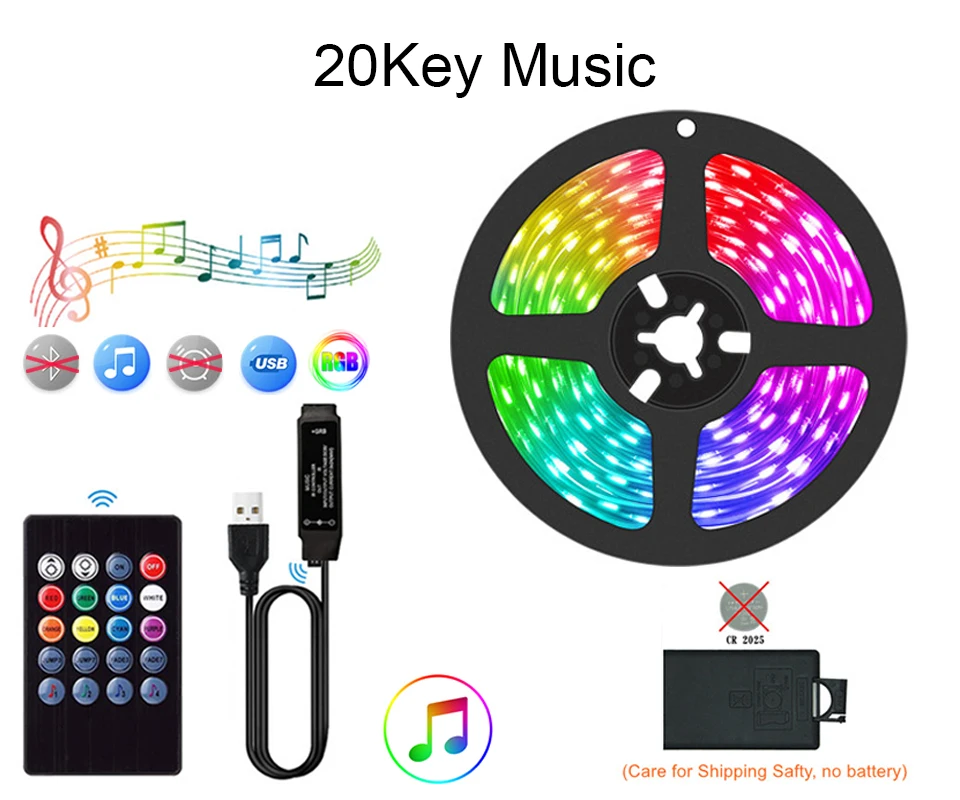
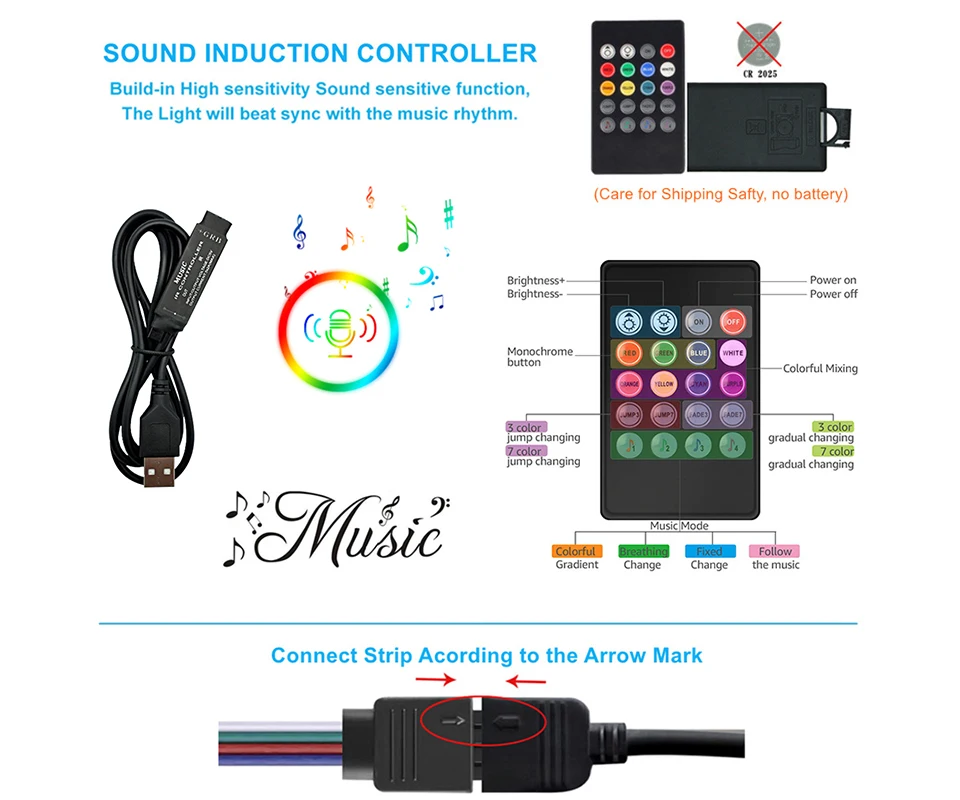
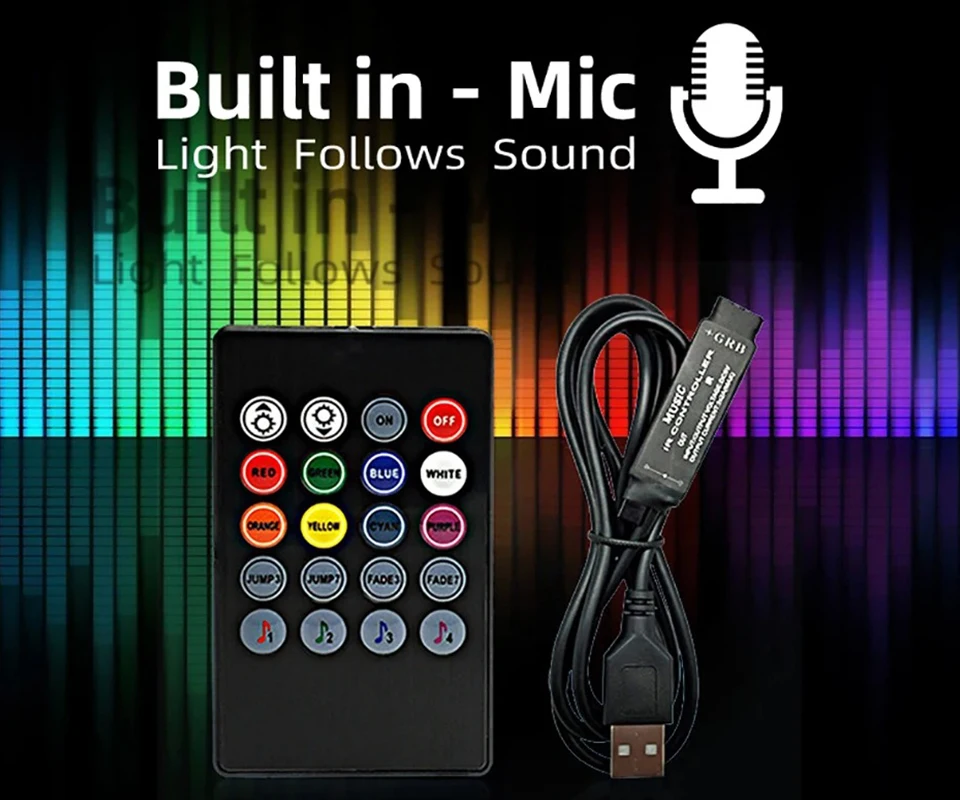
20Key Music controller: Led Strip + Music controller +20Key Infrared Remote controller ( NO APP).
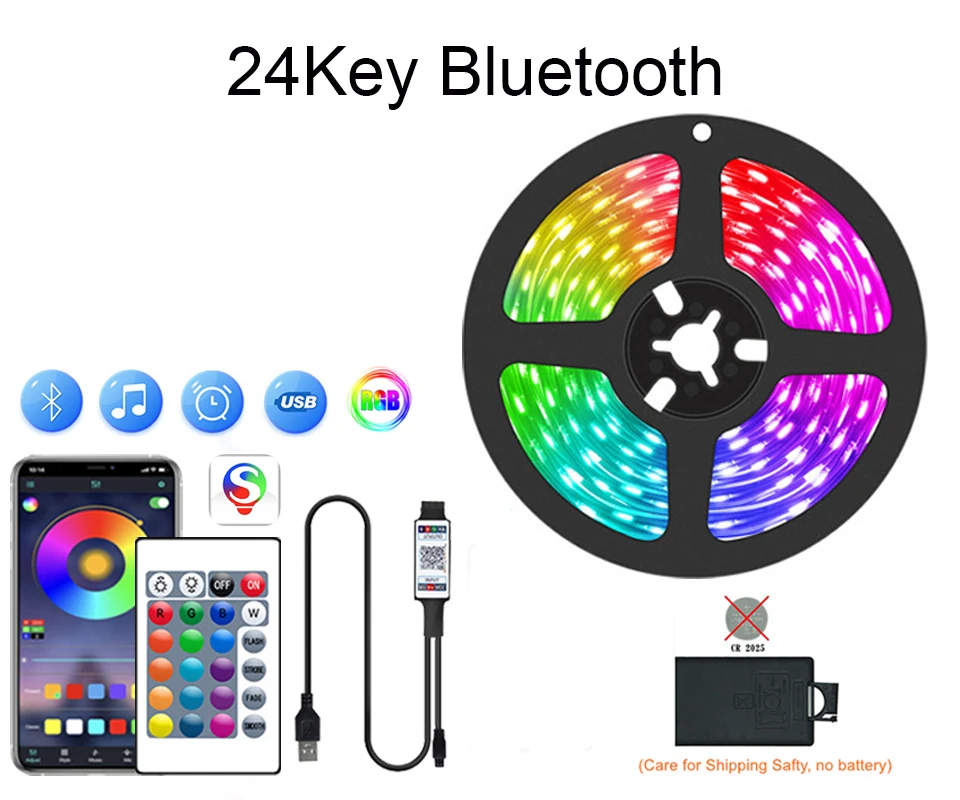
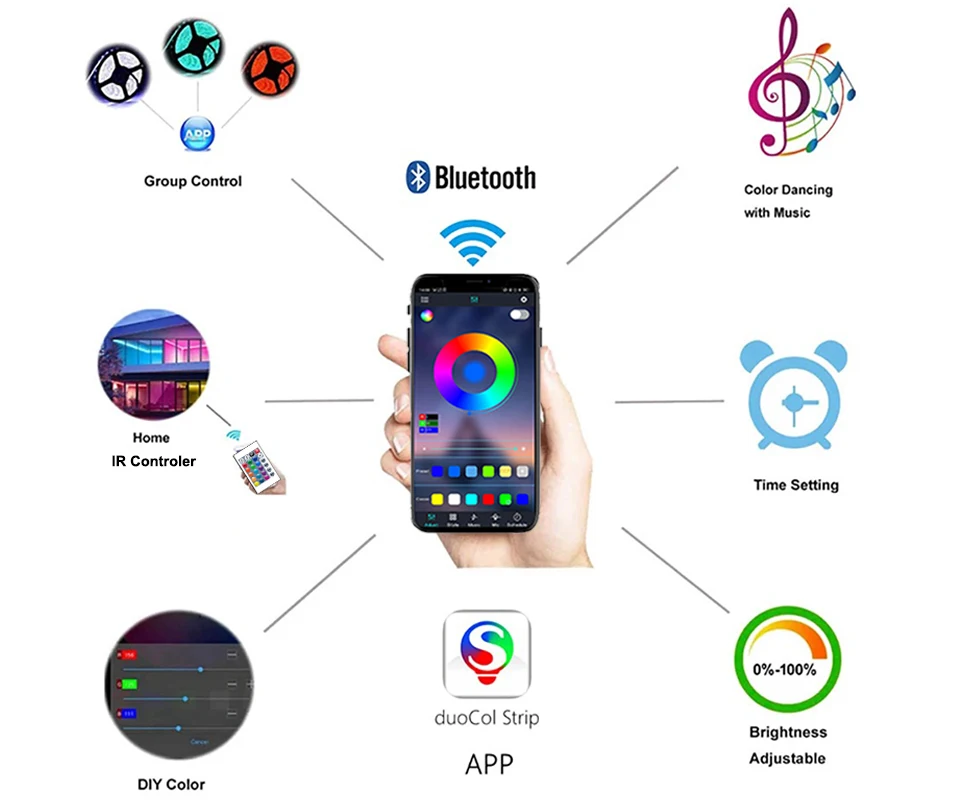
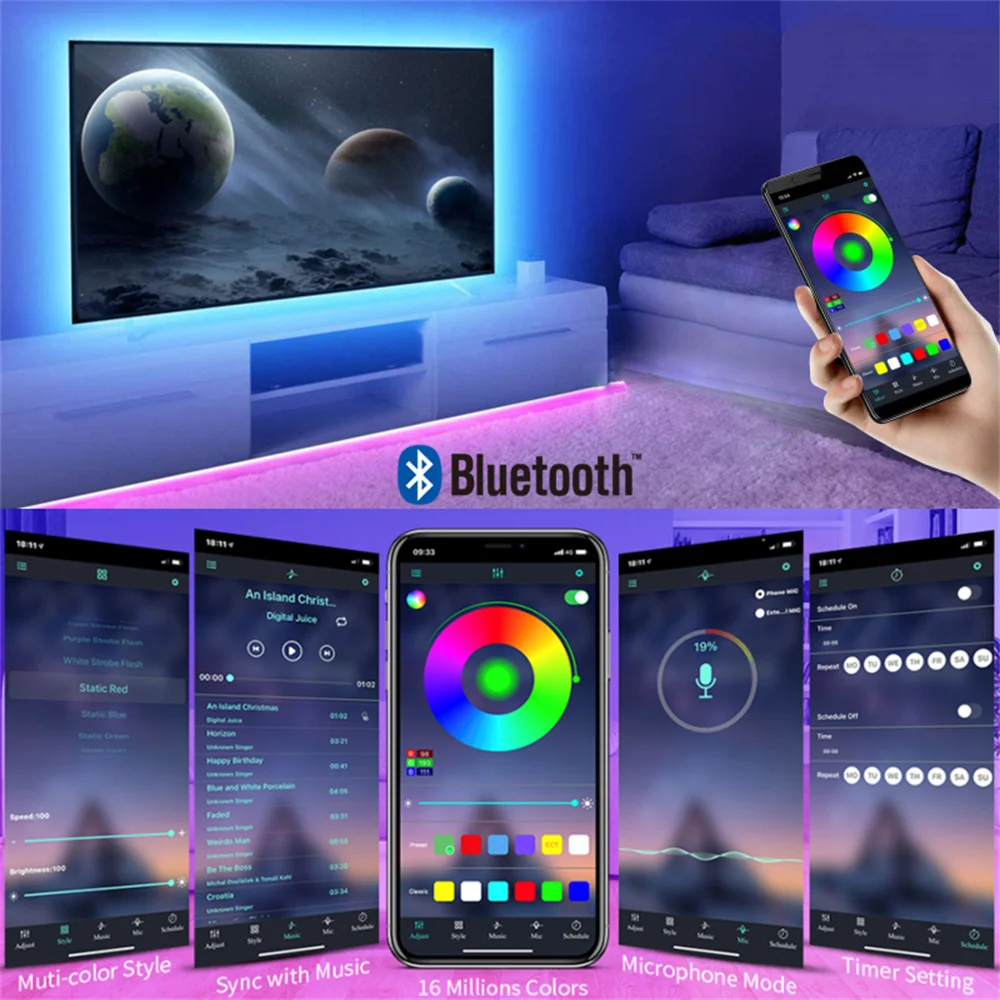
24Key Bluetooth controller:Led Strip + Bluetooth controller +24Key Infrared Remote controller.(Can Use The Mobile App To Control The Light Strip)
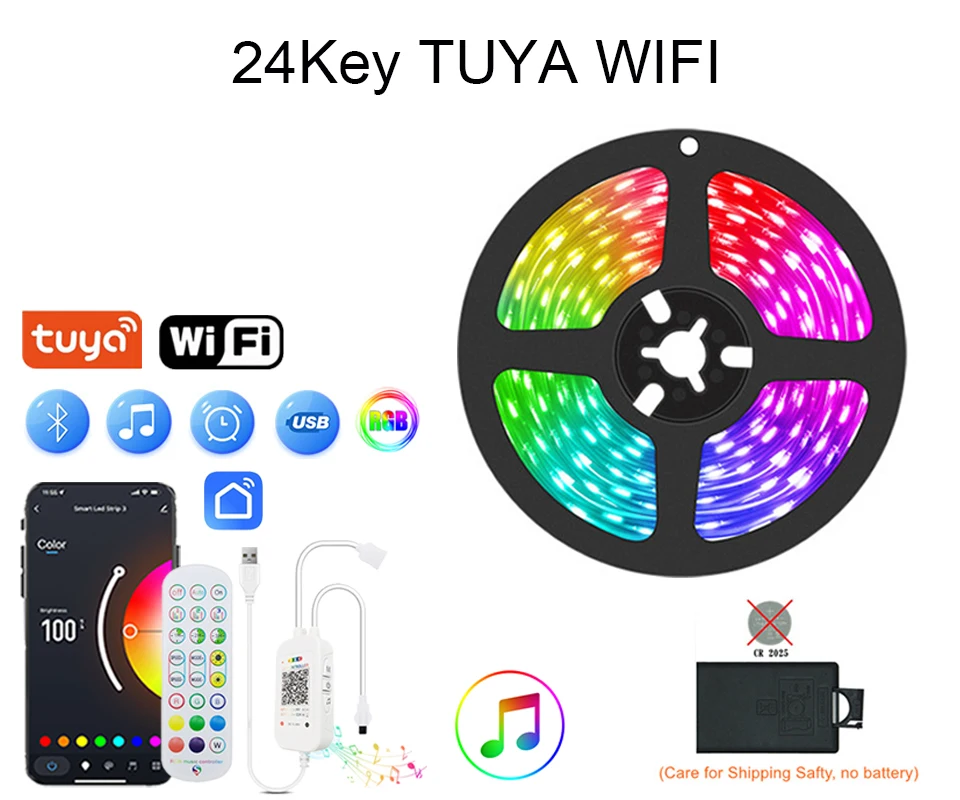
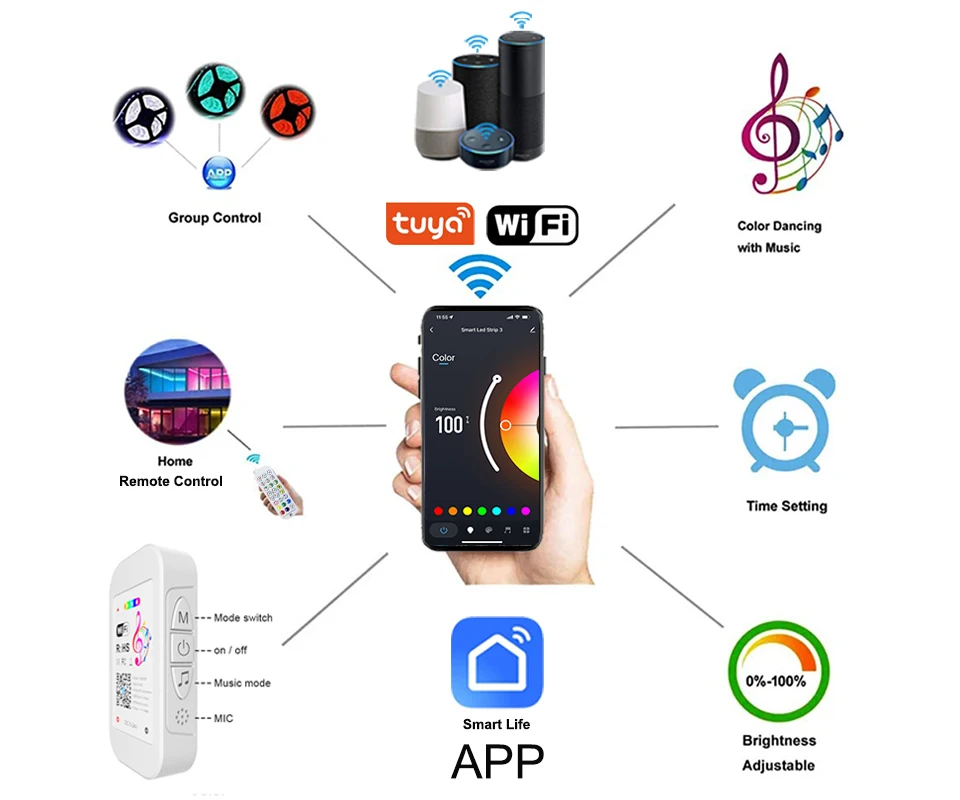
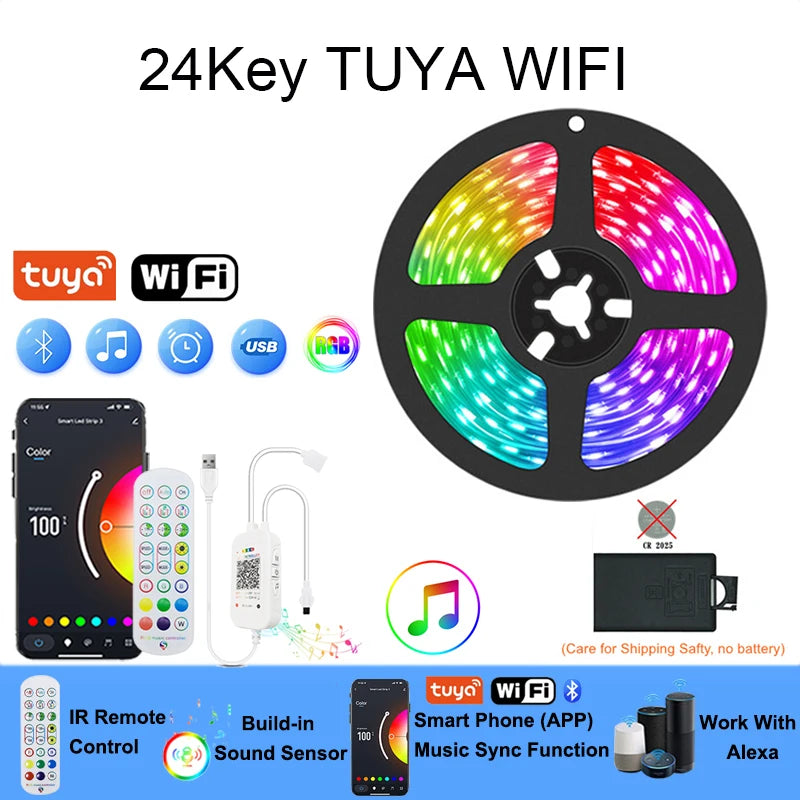
24Key Tuya Wifi controller:Led Strip + Tuya Wifi controller + 24Key Infrared Remote controller.(Can Use The Mobile App To Control The Light Strip)
Note: Remote NO Battrey(CR2025) .
1M=1*1M RGB Strip++1*USB RGB Controller+1*Remote Controller (Without 3key Controller Item)
2M=1*2M/Roll RGB Strip++1*USB RGB Controller+1*Remote Controller (Without 3key Controller Item)
3M=1*3M/Roll RGB Strip++1*USB RGB Controller+1*Remote Controller (Without 3key Controller Item)
4M=1*4M/Roll RGB Strip++1*USB RGB Controller+1*Remote Controller (Without 3key Controller Item)
5M=1*5M/Roll RGB Strip++1*USB RGB Controller+1*Remote Controller (Without 3key Controller Item)
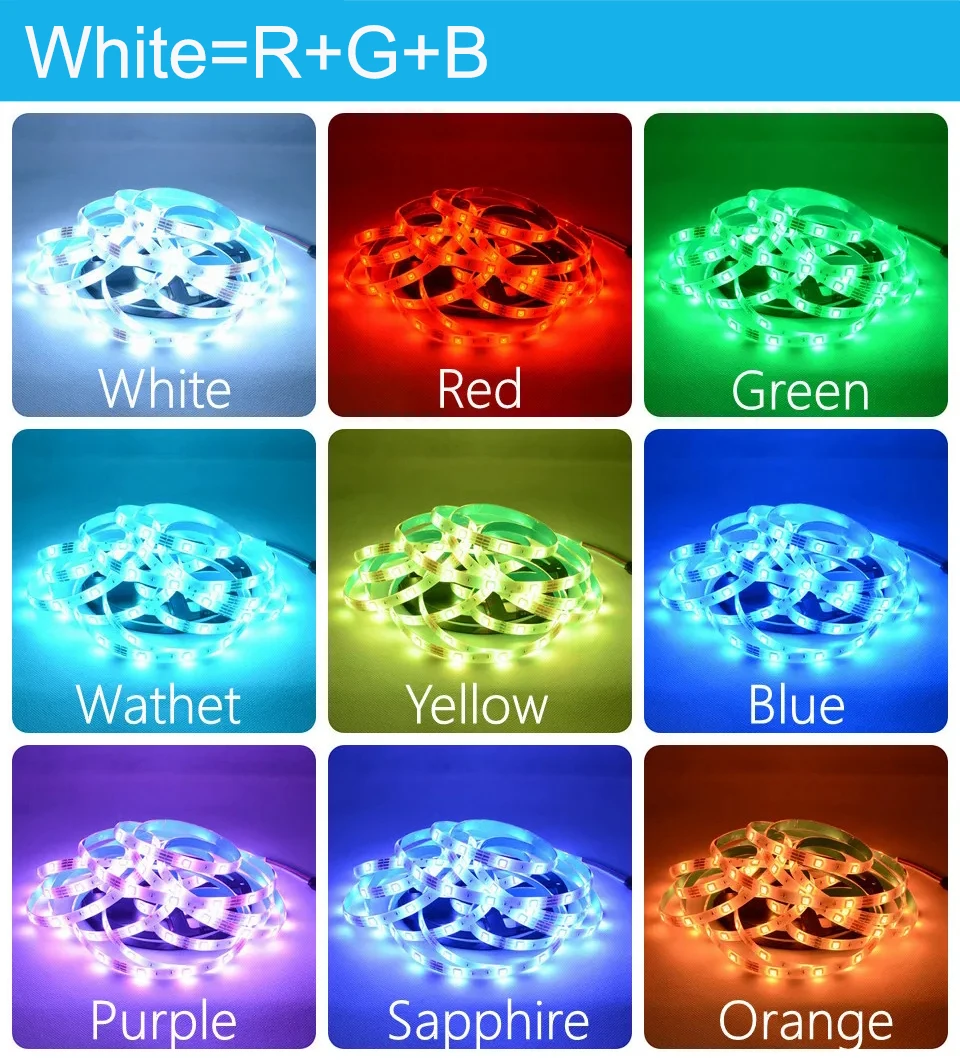
Note: The white light of RGB light strips is composed of three colors: red, green, and blue, which differ from pure white light.
15883834720581-3256809675440209





Tuya / Smart Life Tips--Network
Be sure that you are using 2.4GHz WiFi when connecting with the smart led strip. And WiFi must be detectable status. Many routers have 5 GHz and 2.4 GHz network and your phone will always automatically connect to the 5 GHz network. So, you have to completely turn off your 5 GHz network by going to your router settings (enter the router IP address into your internet browser, usually something like 192.168.1.1), forcing your phone to connect to the 2.4 GHz network. In addition, the router encryption mode must be WPA2-PSK type and the authentication type must be AES.
How to configure separate Wi-Fi SSIDs for 2.4GHz and 5GHz bands?
If your router supports both the 2.4 GHz and 5 GHz bands, but only one Wi-Fi name is displayed on the Wi-Fi search page of your mobile phone, perform these steps:
1. Go to the Wireless page of the router. (The entry address is usually provided on the label attached to the back of the router).
2. Go to the 2.4 GHz setting page, and set the Wi-Fi name (SSID) to XXX-2.4G, where xxx indicates the Wi-Fi name. Save setting.
3. Go to the 5 GHz setting page, and set the Wi-Fi name (SSID) to XXX-5G, where xxx indicates the Wi-Fi name. Save setting.
How to set the router to "DHCP Server"?
If the "DHCP" function of the router is not turned on, with multiple smart devices in the home, which will affect the normal use of connected devices, please refer to the following steps:
1. Enter the LAN Settings (LAN) page of the router.
2. Find the DHCP " setting option
3. Open the DHCP setting option
4. Save the Settings and then
How to connect Tuya / Smart Life APP
Step 1: Search "Tuya" or "Smart Life "on Phone to download it.
Step 2: Connect led strip to your local 2.4G WIFI with your phone connecting to it.
Step 3: Set up your Tuya account. Add Device>Lighting devices and confirm the device in the App.
Step 4: Easy Mode or APP Mode(Press on/off button of the device 5 times)


-
Free Shipping
Shipping will be calculated in real-time at checkout. Orders over $25 ship for FREE For VIP Members. Becoming a VIP member is very simple, you just register yourself on our mailing list. Be the first to know about new collections and exclusive offers and Free Shipping.
Please insert your best e-mail address and cell phone number on your order so we can provide you with all the necessary information.
As you may know, different computers display colors differently. The actual item color may vary slightly from the following pictures on your display. For products with applicable measurements please check the size chart carefully before placing an order, if you do not know how to choose the size, please contact our customer service. If you could not find the chart please contact us Choose the larger size if your size is between two sizes. We often experience spikes in orders during holiday periods During holidays shipping may take longer than usual -