

Led Strips Room
Bluetooth Led Lights Strip For TV Backlight Led Strip
Bluetooth Led Lights Strip For TV Backlight Led Strip
Couldn't load pickup availability
Bluetooth Led Lights Strip For TV Backlight Led Strip Smart Control Remote Adhesive Led Tape Usb 5V Room Decoration
5050 Strip Width: 10MM
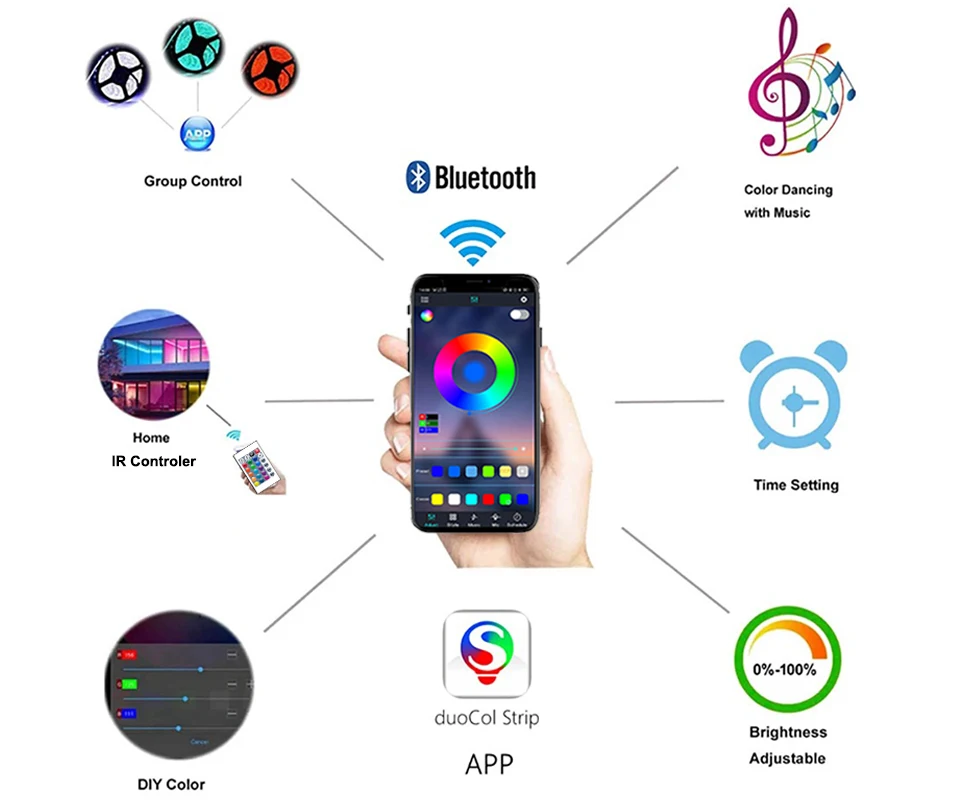
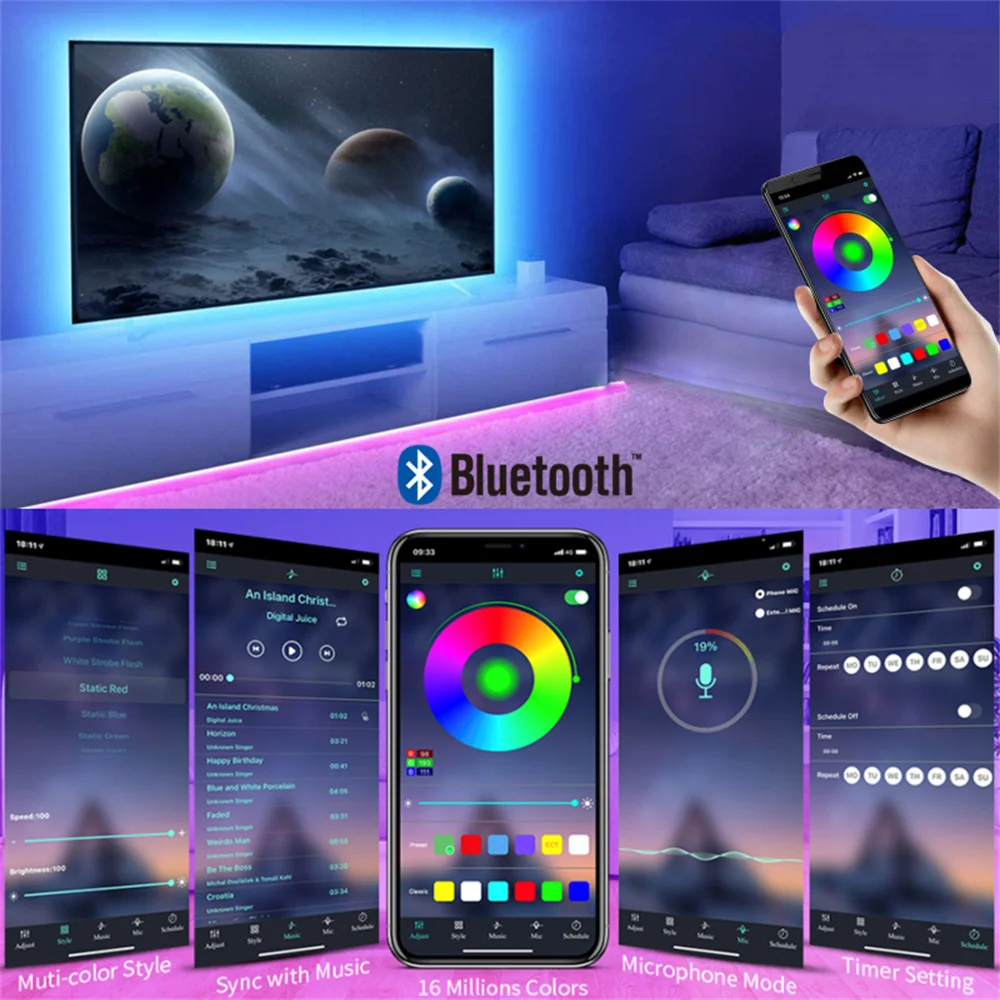
Bluetooth App: DuoCo Strip
Brand Name: Vogliovoi
Certification: ce,ROHS,CE,RoHs
Choice: yes
Color Temp(K): RGB
High-concerned chemical: None
Input Voltage: 5v
Is Batteries Included: No
Is Smart Device: Yes
Item Type: Strip
LED Chip Brand: SANAN
LED Chip Model: SMD5050
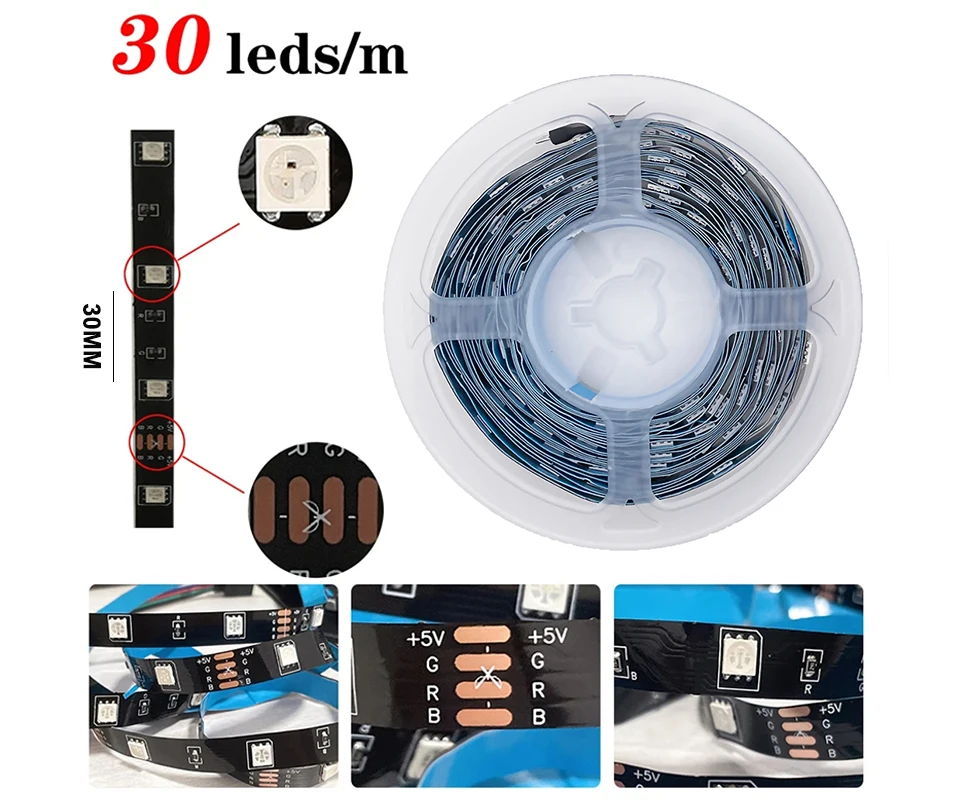
LEDs Number/M: 30
Luminous Flux: 60-249
Model Number: HS5050MH01
Nominal Voltage: 4.5V
Occasion: bedroom
Power Consumption (W/M): 1.8W/M
Power Generation: Switch
Power Source: DC
Remote Battery: CR2025 no including
Remote Bottom: 24key
Specifications (light beads / m): 30
Strip type: SMD
Waterproof: No
semi_Choice: yes
Bluetooth Led Lights Strip For TV Backlight Led Strip Smart Control Remote Adhesive Led Tape Usb 5V Room Decoration
Specification :
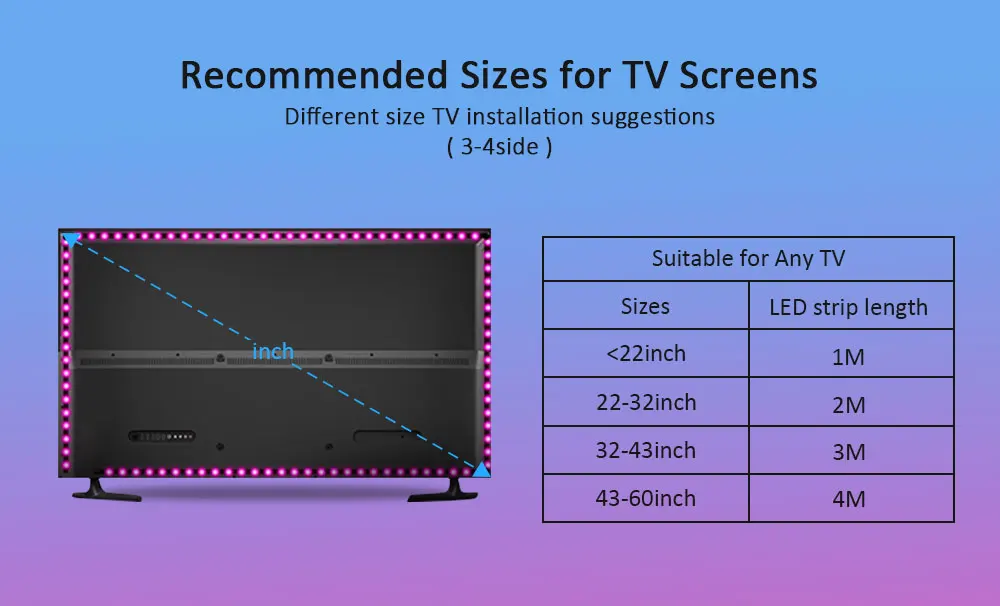
Length: 1M/2M/3M/4M/5M
LED Model: SMD5050
LED QTY: 30 LEDs/M
Input Voltage: DC5V
Power: 1M-1.8W /2M-3.6W / 3M-5.4W / 4M-7.2W / 5M-9W
Waterproof Rating: IP20 Non Waterproof
Certifications: CE. ROHS
The product link includes 3 LED strip options:
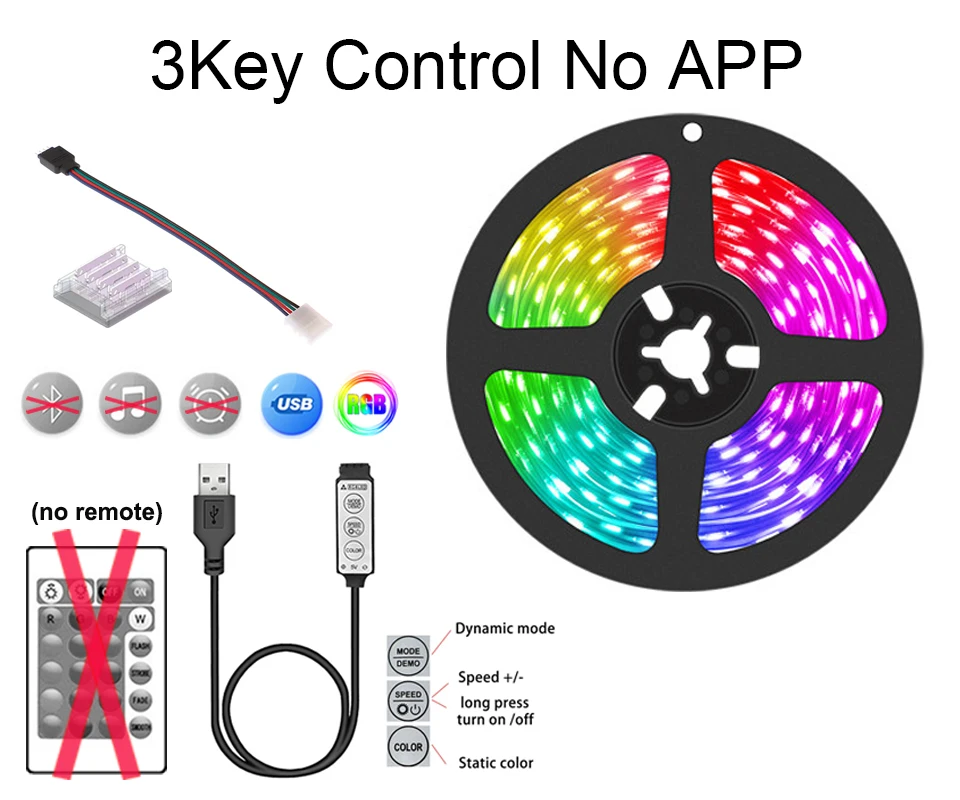
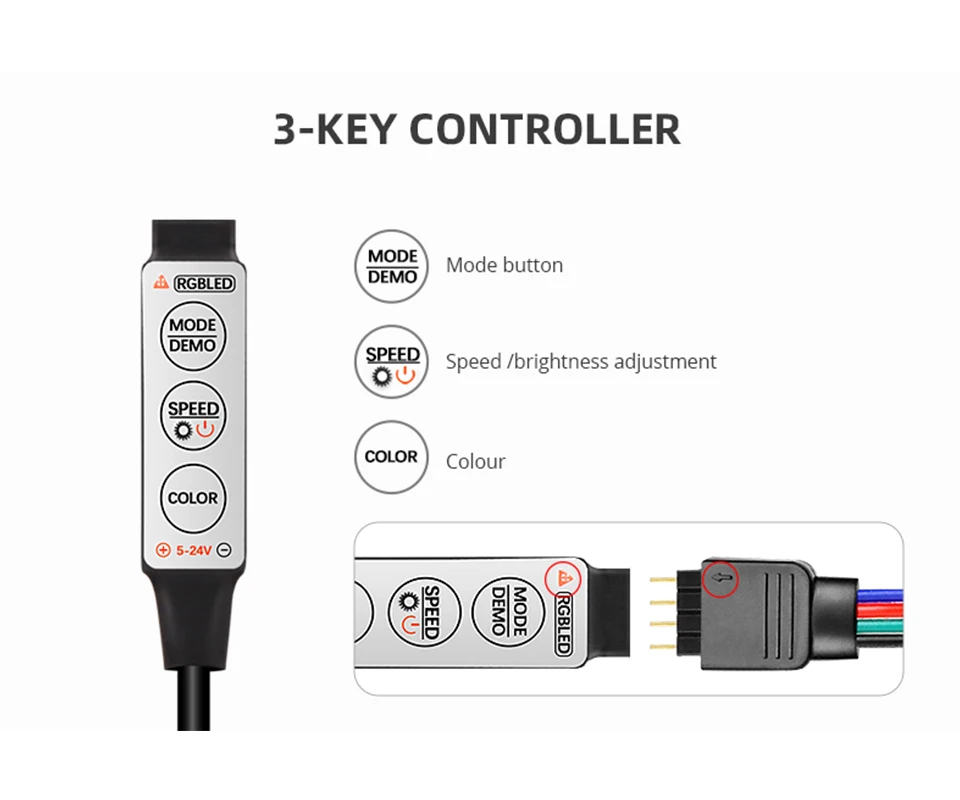
3Key controller: Led Strip + 3 Key controller ( NO Remote, NO APP).
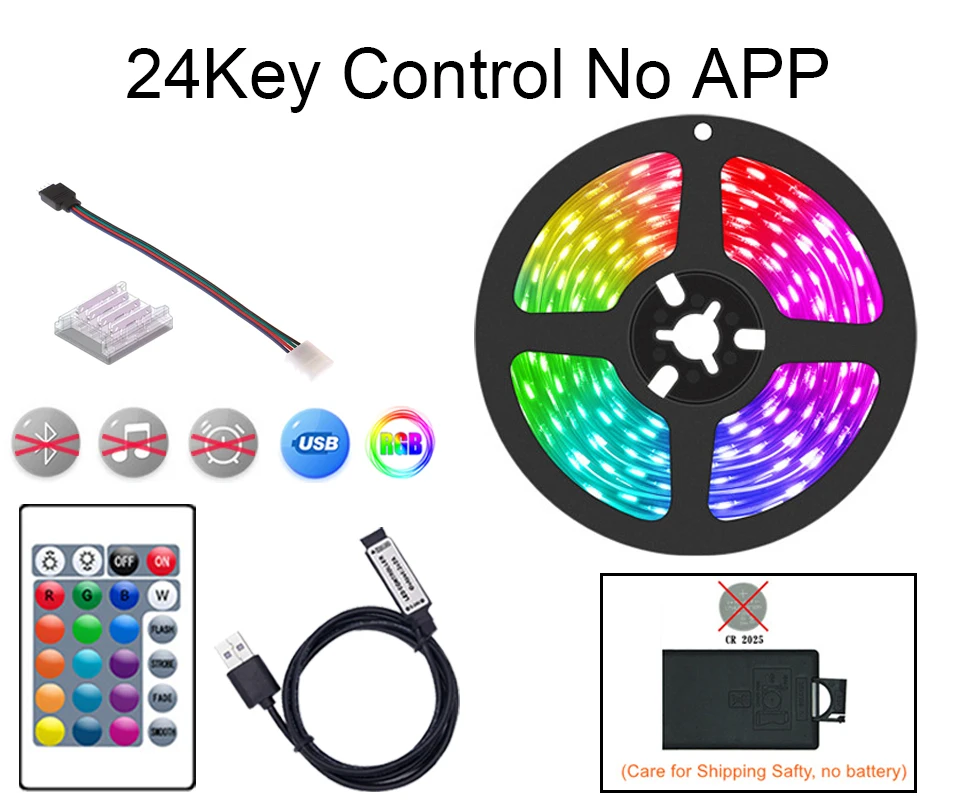
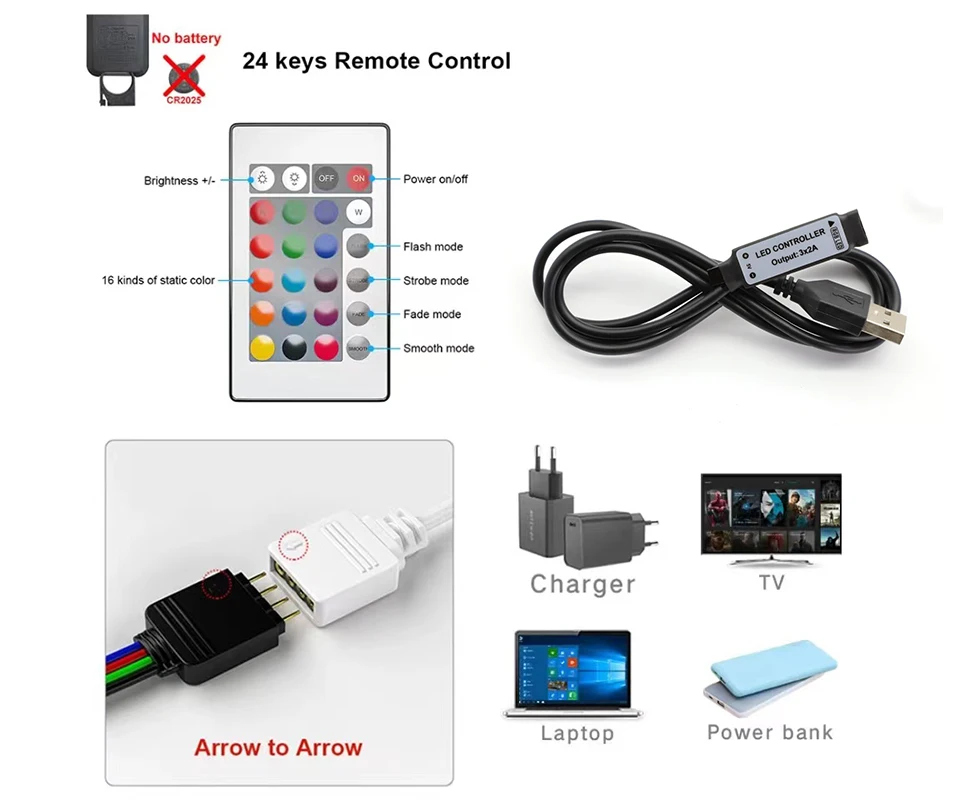
24Key controller: Led Strip + 24 Key Infrared Remote controller. ( NO APP).
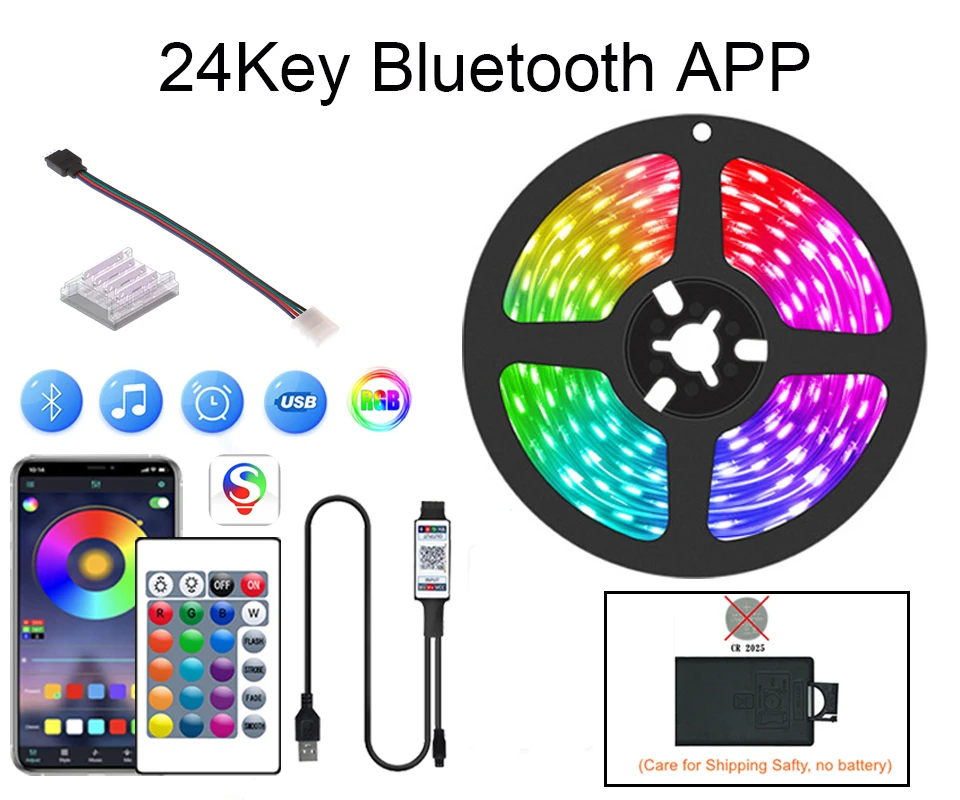
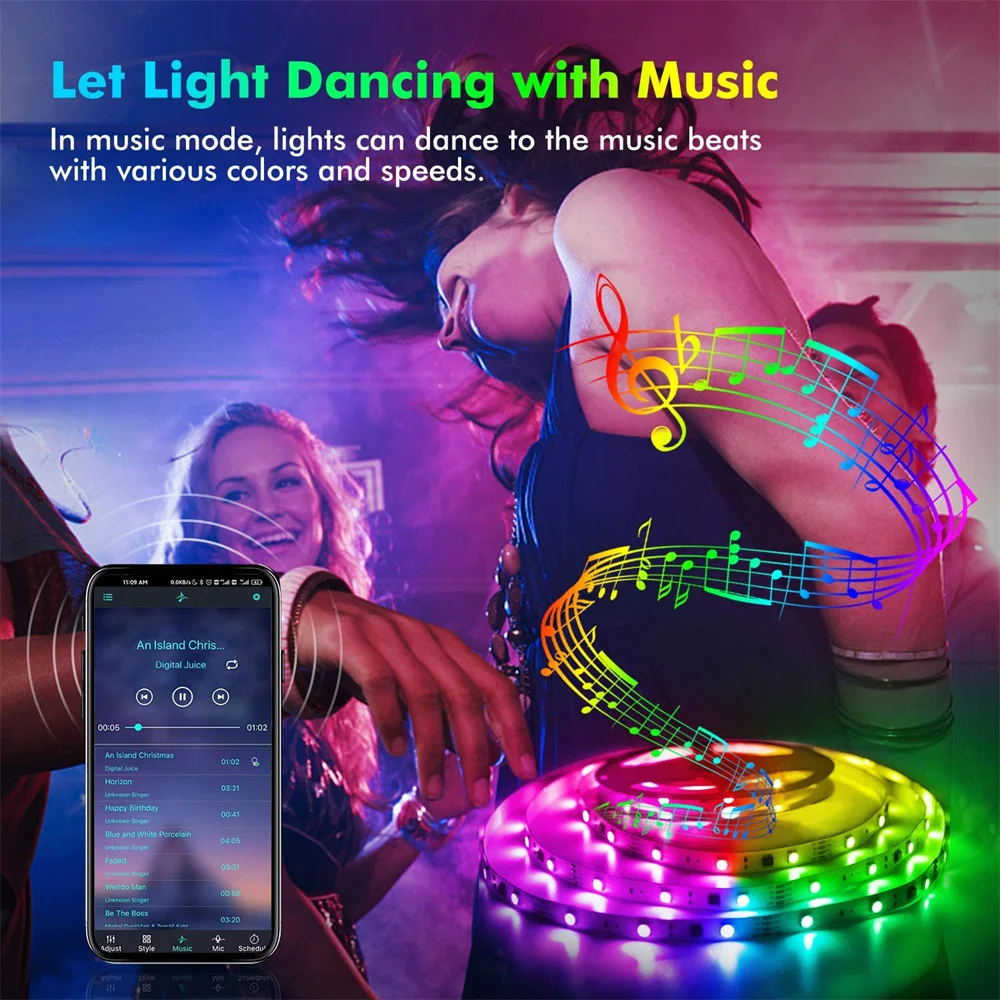
24Key Bluetooth controller:Led Strip + Bluetooth controller + 24Key Infrared Remote controller.(APP with the function of Music Sync.Can Use The Mobile App To Control The Light Strip)
Note: Remote NO Battrey(CR2025)
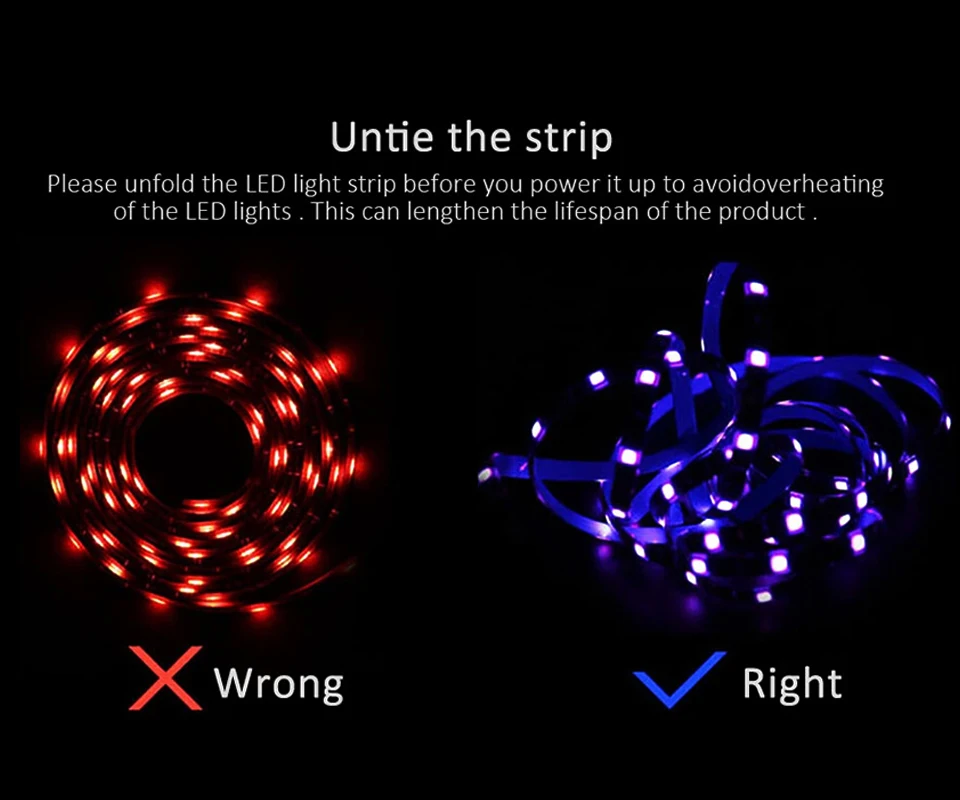
Please unfold the LED light strip before you power it up to avoid overheating of the LED lights .This can lengthen the lifespan of the product.
Package List:
1M=1M/Roll+1pcs 4pin male+1pcs 4pin crystal
2M=2M/Roll+1pcs 4pin male+1pcs 4pin crystal
3M=3M/Roll+1pcs 4pin male+1pcs 4pin crystal
4M=4M/Roll+1pcs 4pin male+1pcs 4pin crystal
5M=5M/Roll+1pcs 4pin male+1pcs 4pin crystal
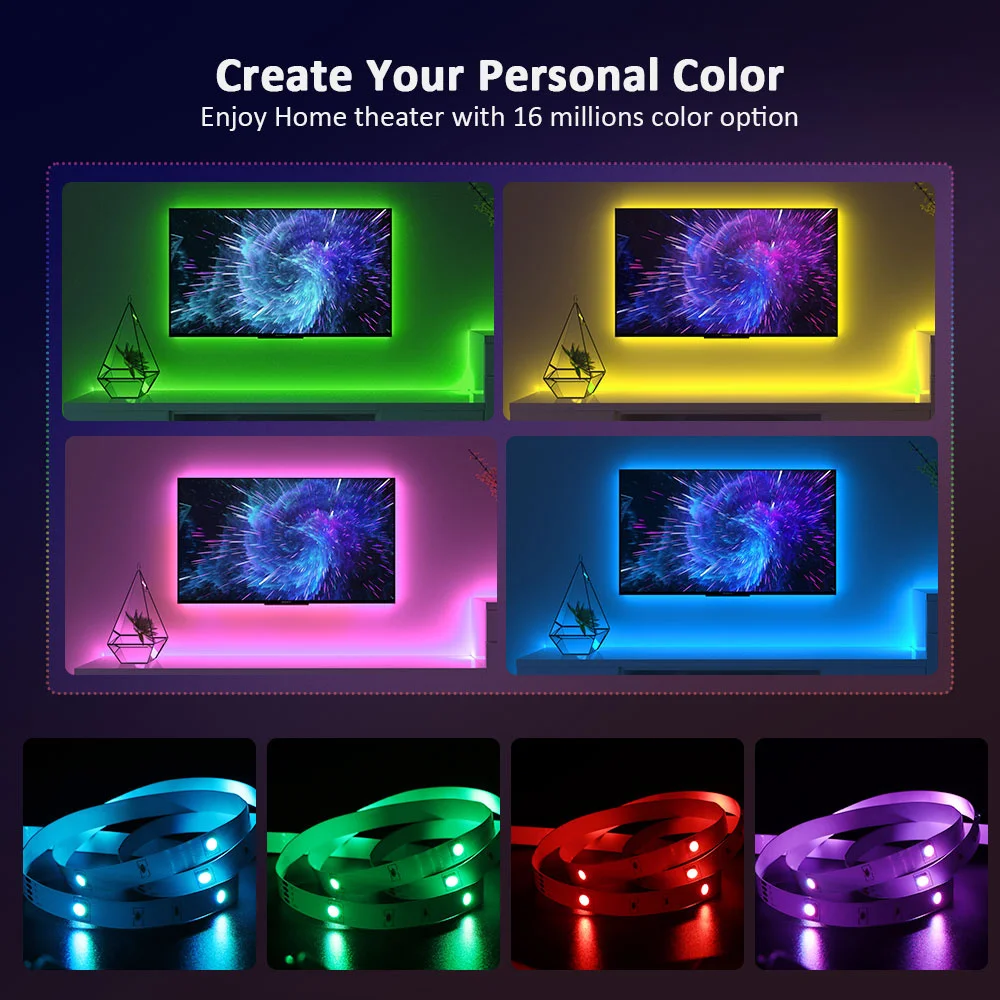
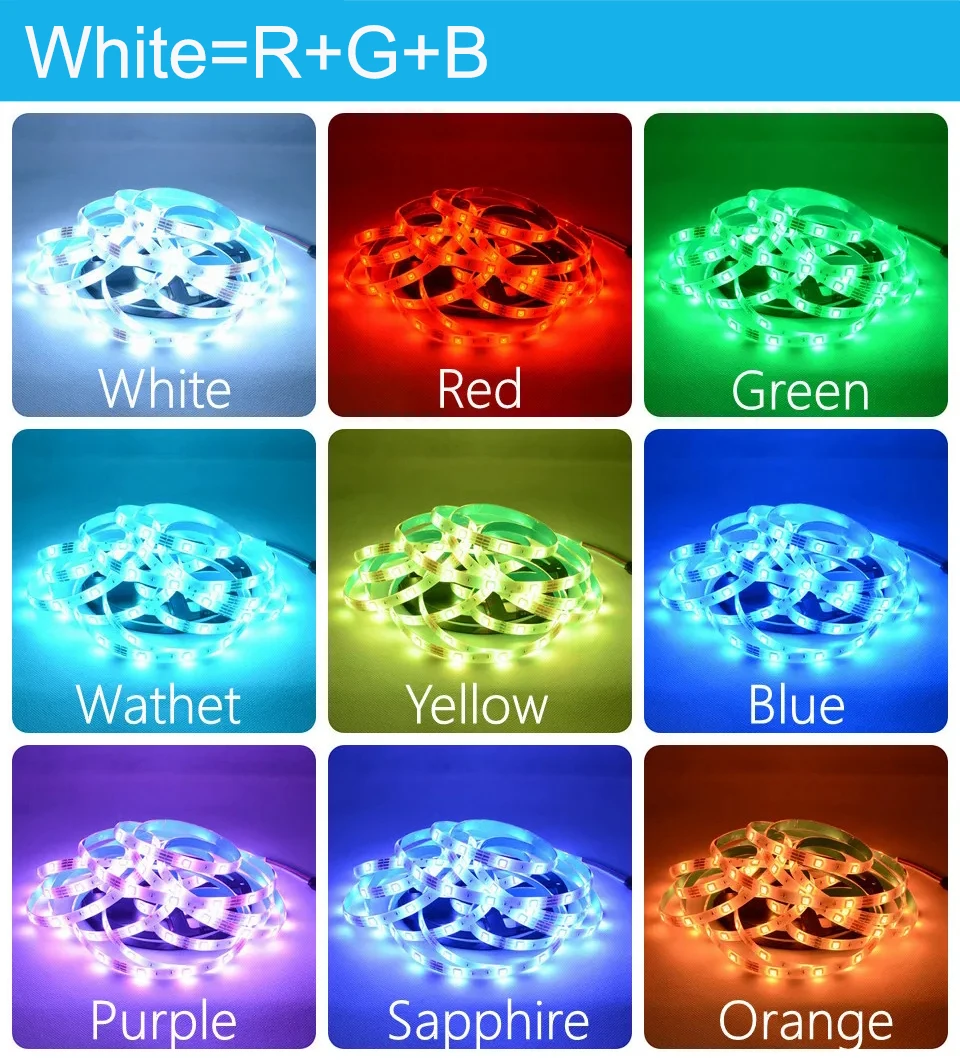
Note: The white light of RGB light strips is composed of three colors: red, green, and blue, which differ from pure white light.
3256810438022623-15625086009669




Common problems of strip lights
Why do some light beads not light up or the entire group of light beads (3 lights per group) not light up after installing the light strip?
Pulling and pulling the light strip forcefully during installation is the cause of its damage. 1. The solder joints may loosen, crack, or even completely fall off. Reason 2: Internal copper foil breakage. Excessive pulling can cause the copper foil to be stretched, thinned, or even broken.
How to operate correctly and avoid pulling and damaging?
1. Handle gently: When holding the light strip, hold the strip itself, not just the wires. If you need to move a longer light strip, it is best for two people to cooperate.
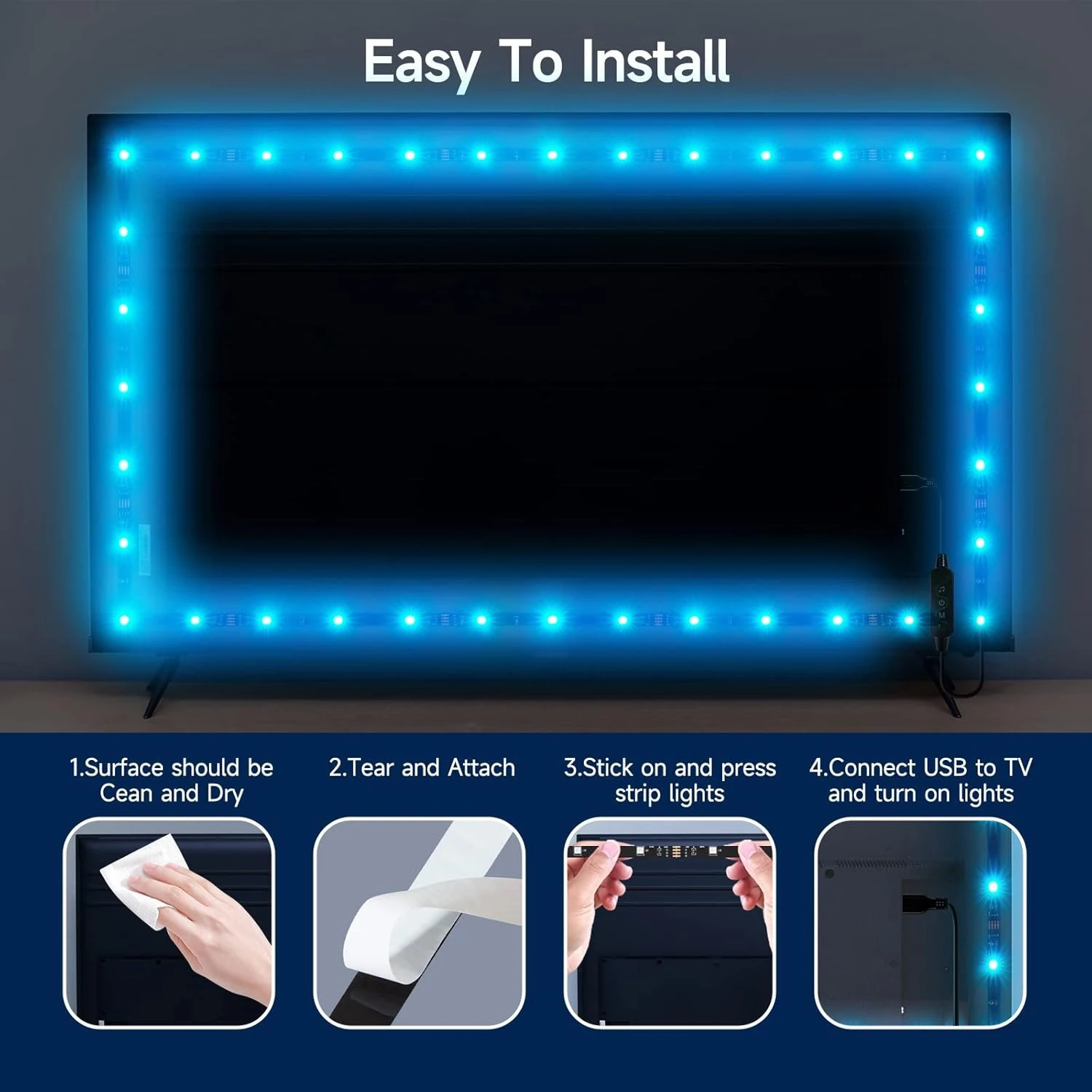
2. Side by side placement: During installation, especially when using adhesive backing, do not tear off the entire roll of light strip adhesive at once. You should first tear open a small section, stick it in place, and then gradually tear and fix it, allowing the light strip to naturally adhere to the installation surface and avoid tension.
3. Avoid "straightening": If the light strip is bent, it should be placed naturally along its curvature, and do not forcefully straighten it to achieve a straight effect. If a straight installation is required, the path should be planned in advance to allow the light strip to be smoothly laid over.
4. Use auxiliary tools: When installing over long distances or complex paths, you can use light strip card slots, fixed buckles, etc. First, fix the card slots, and then easily insert the light strip, which can greatly avoid pulling and pulling during installation.
The most reliable method is to conduct a power-on test before finally securing all the light strips and power supplies. If a certain section is found to be non-functional, the problem is likely to be in the area where it was pulled or stretched.Please unfold the LED light strip before you power it up to avoid overheating of the LED lights. This can lengthen the lifespan of the product.
What if I accidentally pull it and cause damage?
Use the accessories we provide. we have a sharing link or you can consult us
Why is there no issue during initial testing upon receiving the product, but it stops working after a few minutes of use?
LED strips may stop working after a few minutes of operation due to curling or tangling. Heat is generated during operation, and if the strip curls or twists, the heat cannot dissipate effectively. To prevent LED overheating and extend its lifespan, always unroll the strip before powering it on.
Common problems in group settings
How to add a device to a group?
Please follow the steps below:
1.First connect the device to the App successfully and keep it online:
2.All devices are displayed in the device list onthe App home page;
3. Long press the device icon, select the deviceyou want to group(two or more), and in thepop-up menu,select "Create Group".
4.On the Create Group page, devices of thesame device type are displayed,and onlydevices of the same device type can begrouped into the same group, select the room,and then click "Next".
5.Name the group and select the icon, thegroup name must be within 20 characters
6.Click"Finish",it automatically return to themain page of the App. Check all devices orclick to open the group in the collapsed menuof the device to check whether the creation is successful.


-
Free Shipping
Shipping will be calculated in real-time at checkout. Orders over $25 ship for FREE For VIP Members. Becoming a VIP member is very simple, you just register yourself on our mailing list. Be the first to know about new collections and exclusive offers and Free Shipping.
Please insert your best e-mail address and cell phone number on your order so we can provide you with all the necessary information.
As you may know, different computers display colors differently. The actual item color may vary slightly from the following pictures on your display. For products with applicable measurements please check the size chart carefully before placing an order, if you do not know how to choose the size, please contact our customer service. If you could not find the chart please contact us Choose the larger size if your size is between two sizes. We often experience spikes in orders during holiday periods During holidays shipping may take longer than usual -