Skip to product information
1 of 14

Led Strips Room

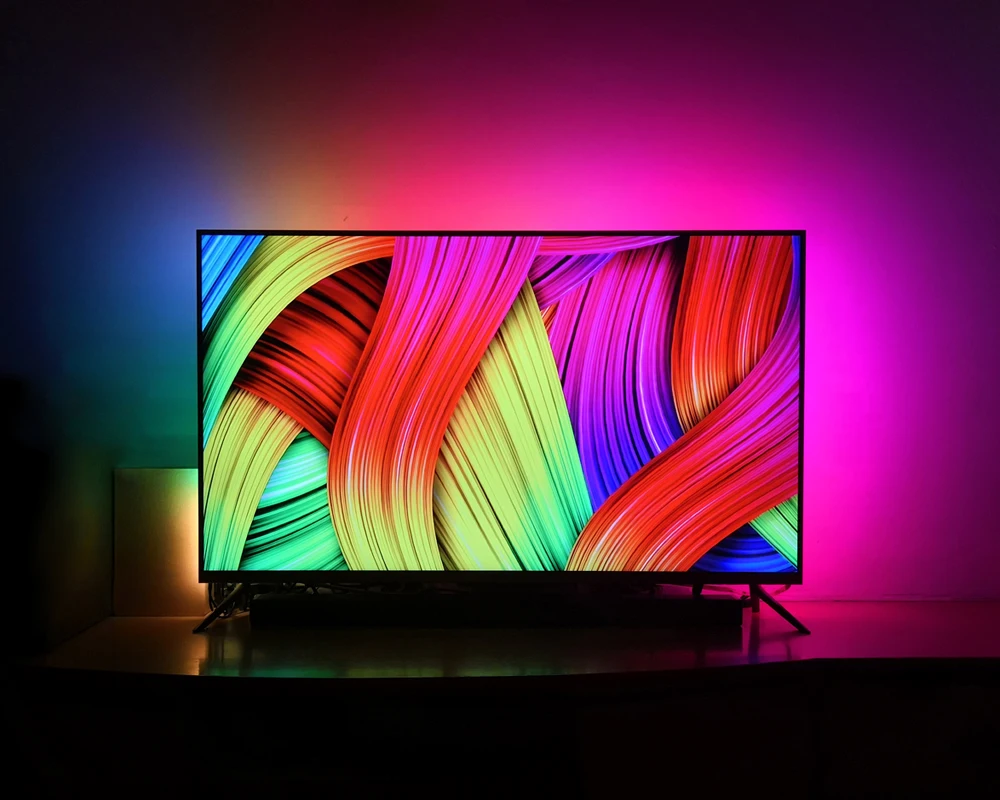
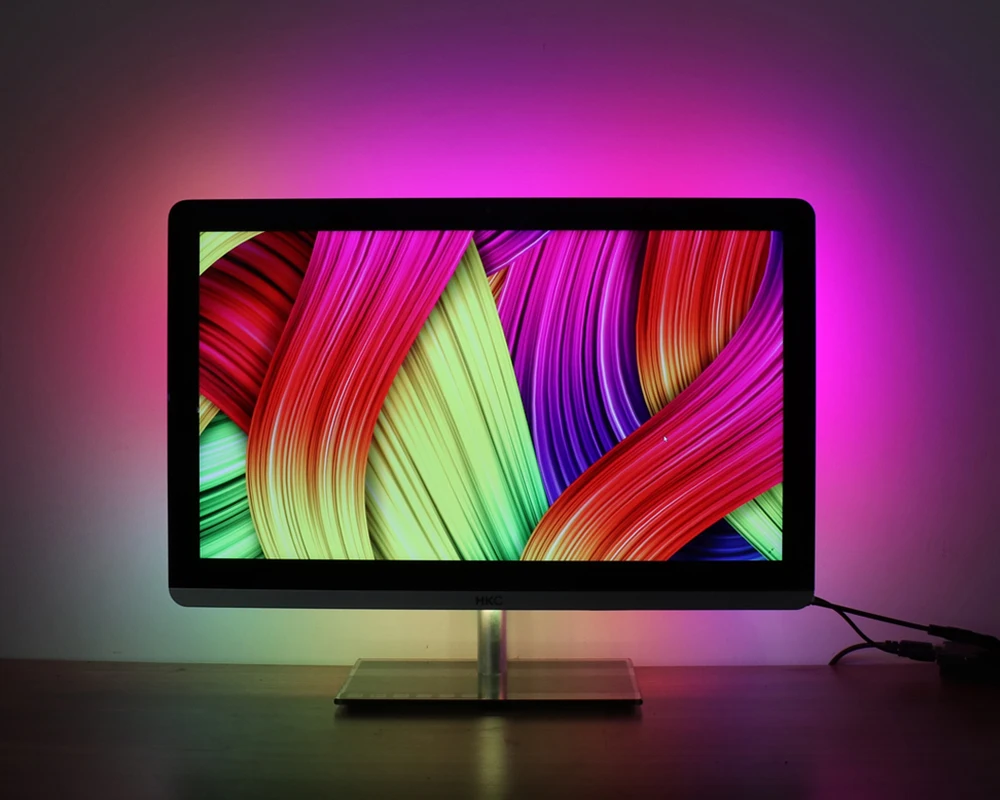
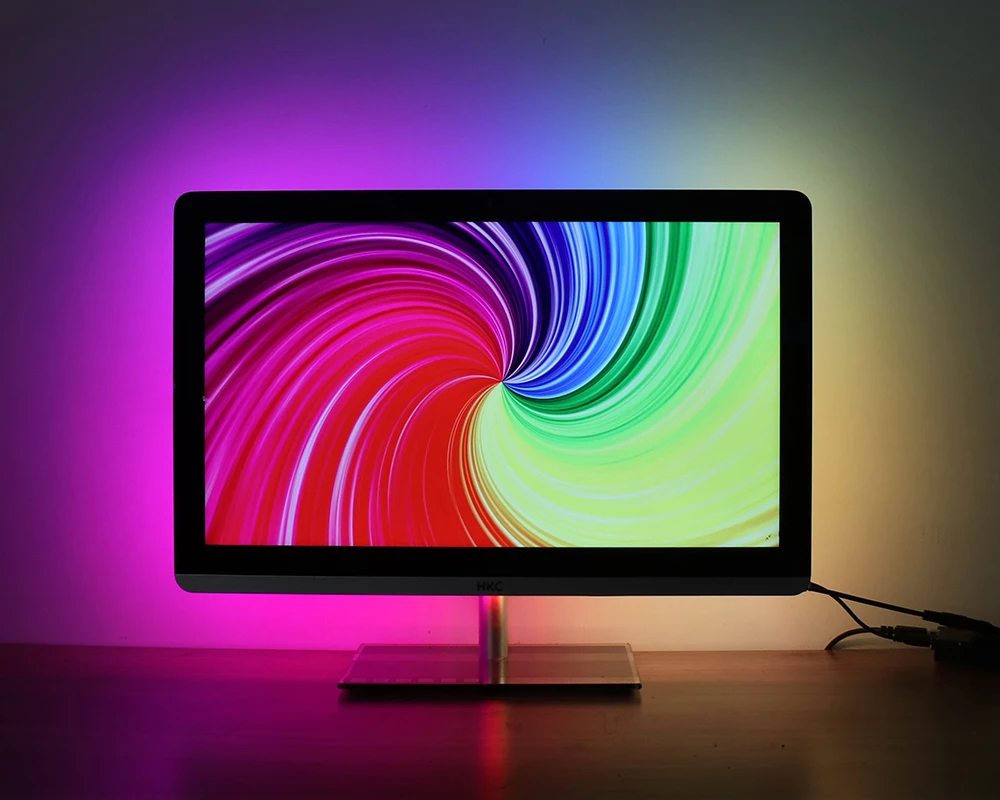
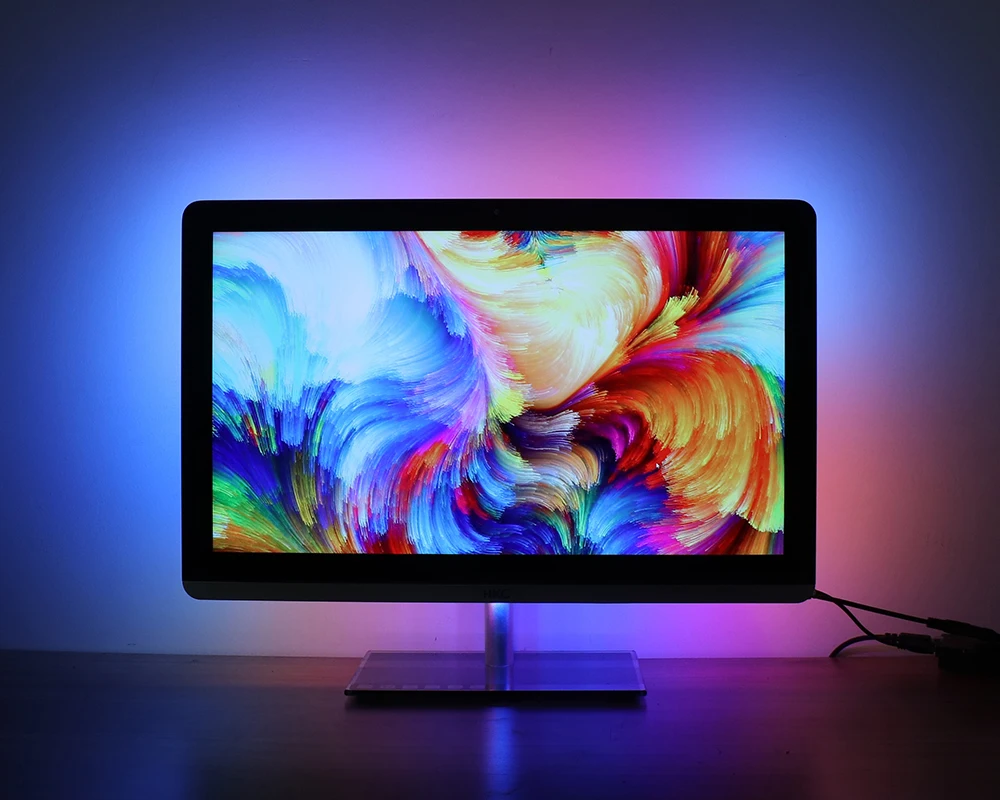
DIY Ambient TV PC Dream Screen USB LED Strip HDTV Computer

DIY Ambient TV PC Dream Screen USB LED Strip HDTV Computer

Regular price $53.00 AUD
Regular price $83.00 AUD Sale price $53.00 AUD
Sale Sold out
Tax included. Shipping calculated at checkout.
View full details

DIY Ambient TV PC Dream Screen USB LED Strip HDTV Computer Monitor Backlight Addressable WS2812B LED Strip 1/2/3/4/5m Full Set


Average Life (hrs): 50000

Brand Name: coolo

Certification: FCC,ce,ROHS,CE

Choice: yes

Color Temp(K): RGB

High-concerned chemical: None

Is Batteries Included: No

Is Smart Device: No

Item Type: Strip

LED Chip Brand: Epistar

LED Chip Model: SMD5050

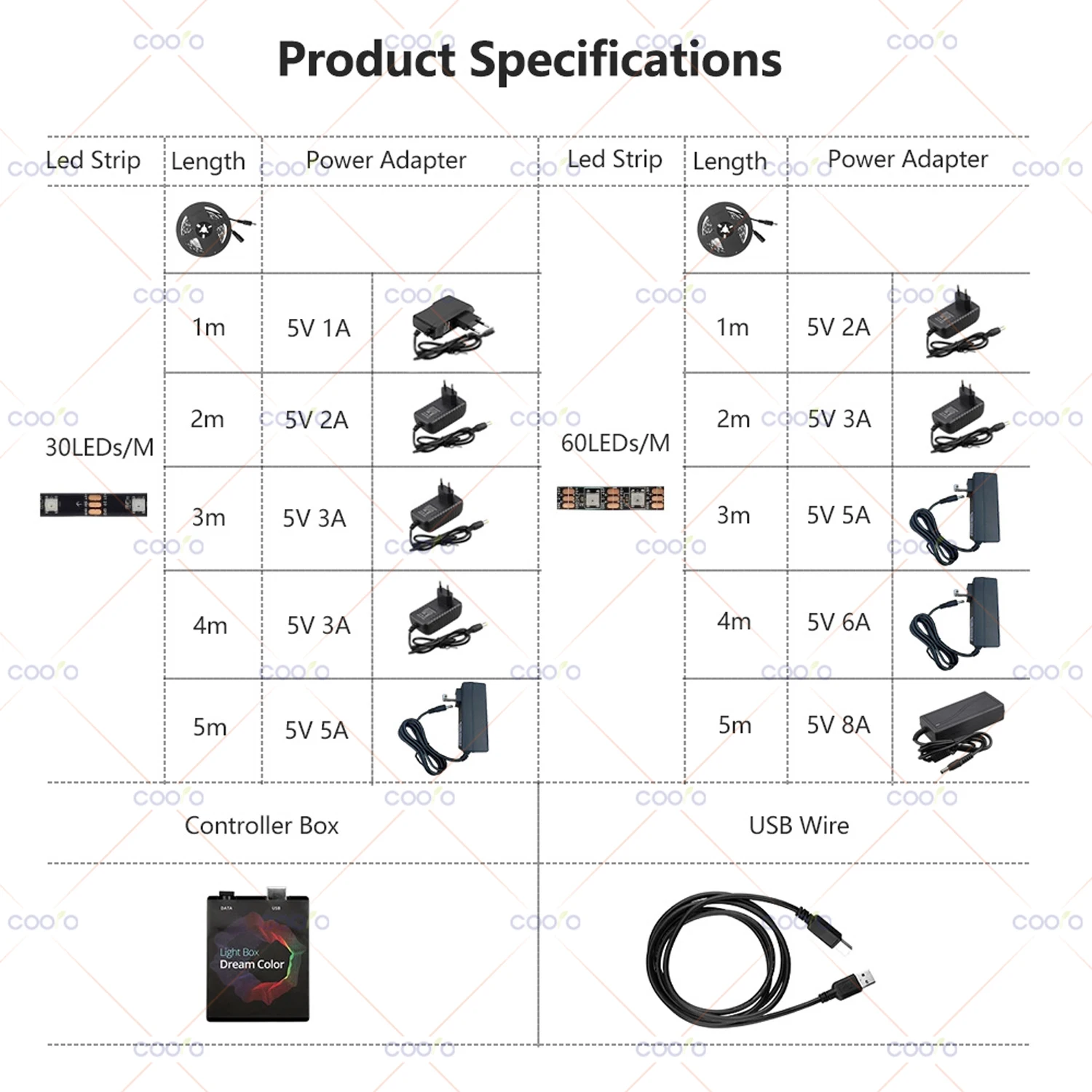
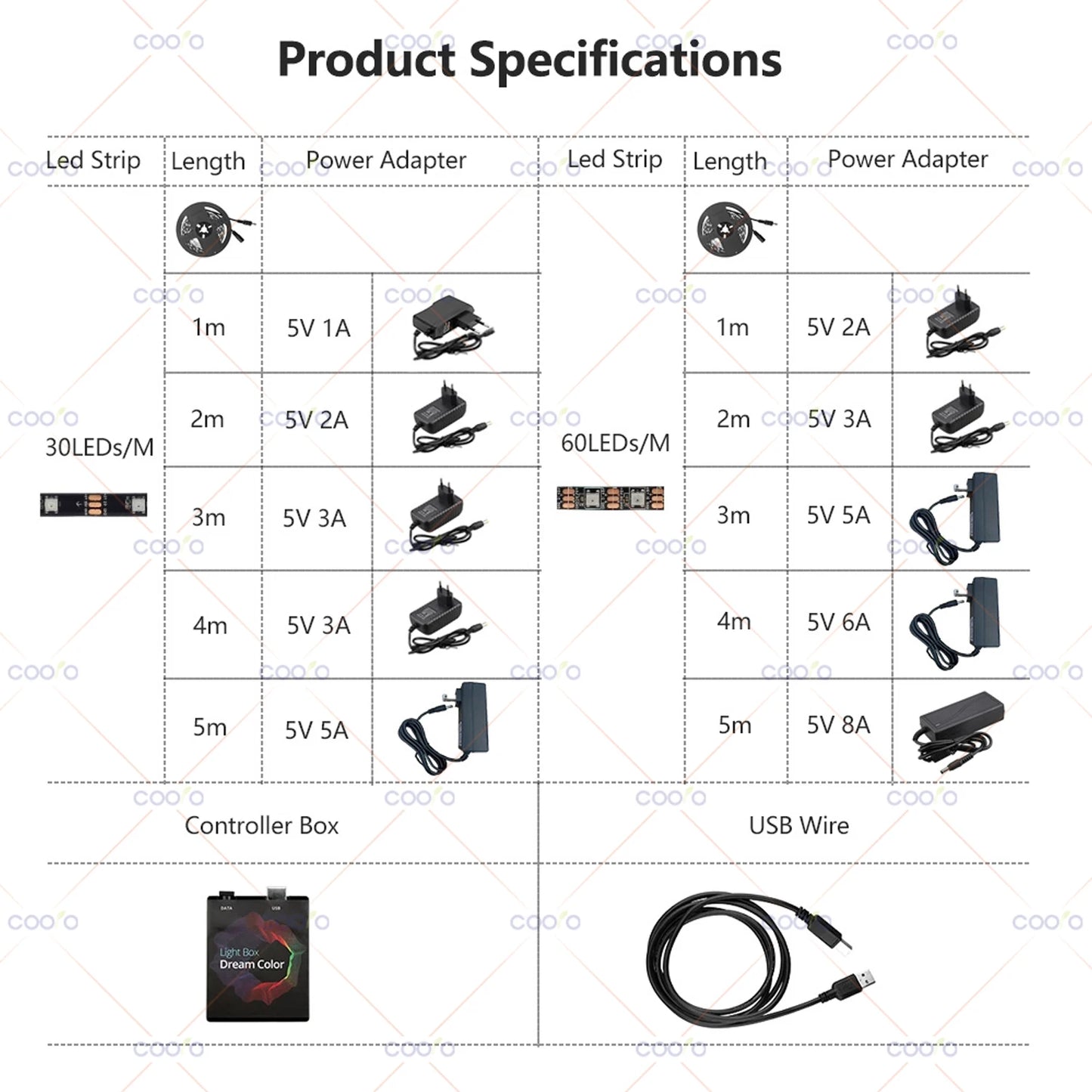
LEDs Number/M: 30/60

Luminous Flux: 249-2000

Model Number: TV PC Screen Backlight

Nominal Voltage: 12V

Occasion: LIVING ROOM

Power Consumption (W/m): 11.52W/m

Power Generation: Always On

Power Source: DC

Specifications (light beads / m): 30/60

Strip type: SMD

Voltage: 5V

Waterproof: No

semi_Choice: yes


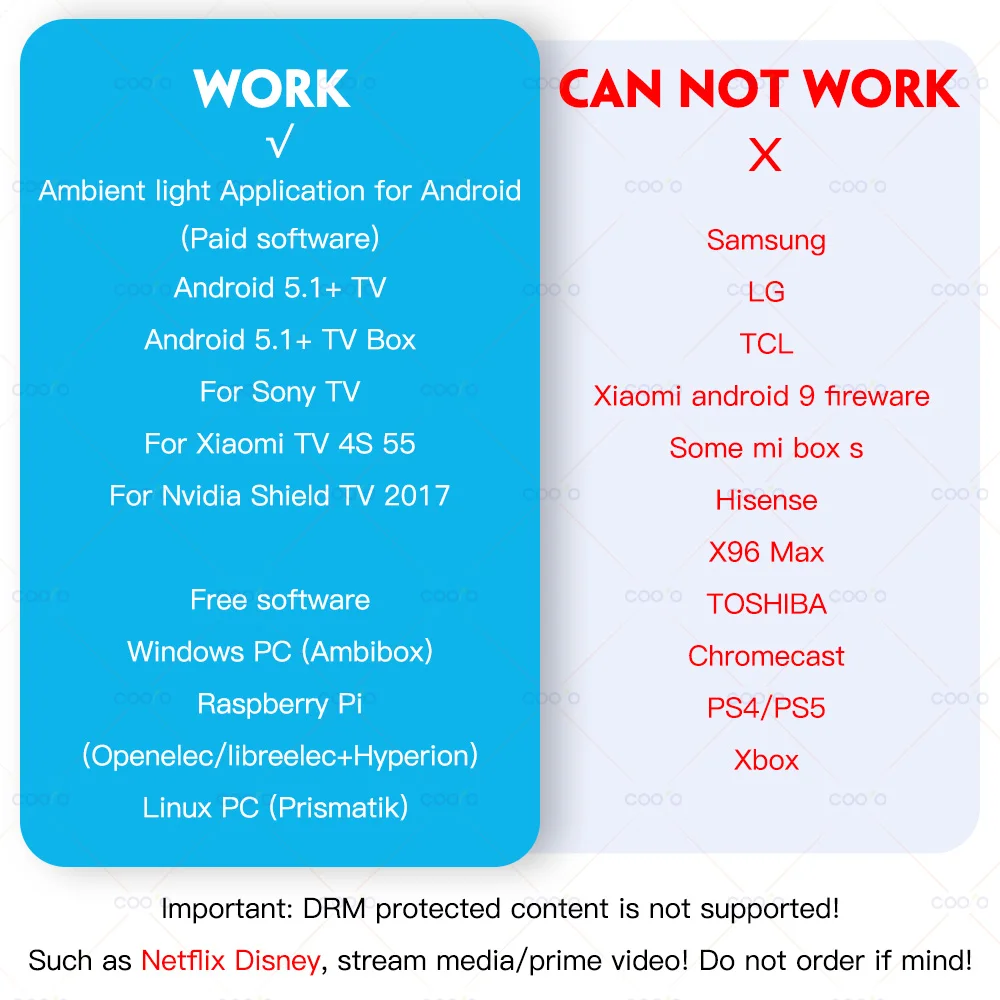
Not compatible with Samsung/LG/TCL/Hisense/X96+!!!
(Some Mi boxes do not work properly and are not recommended)

DRM protected content is not supported!

 

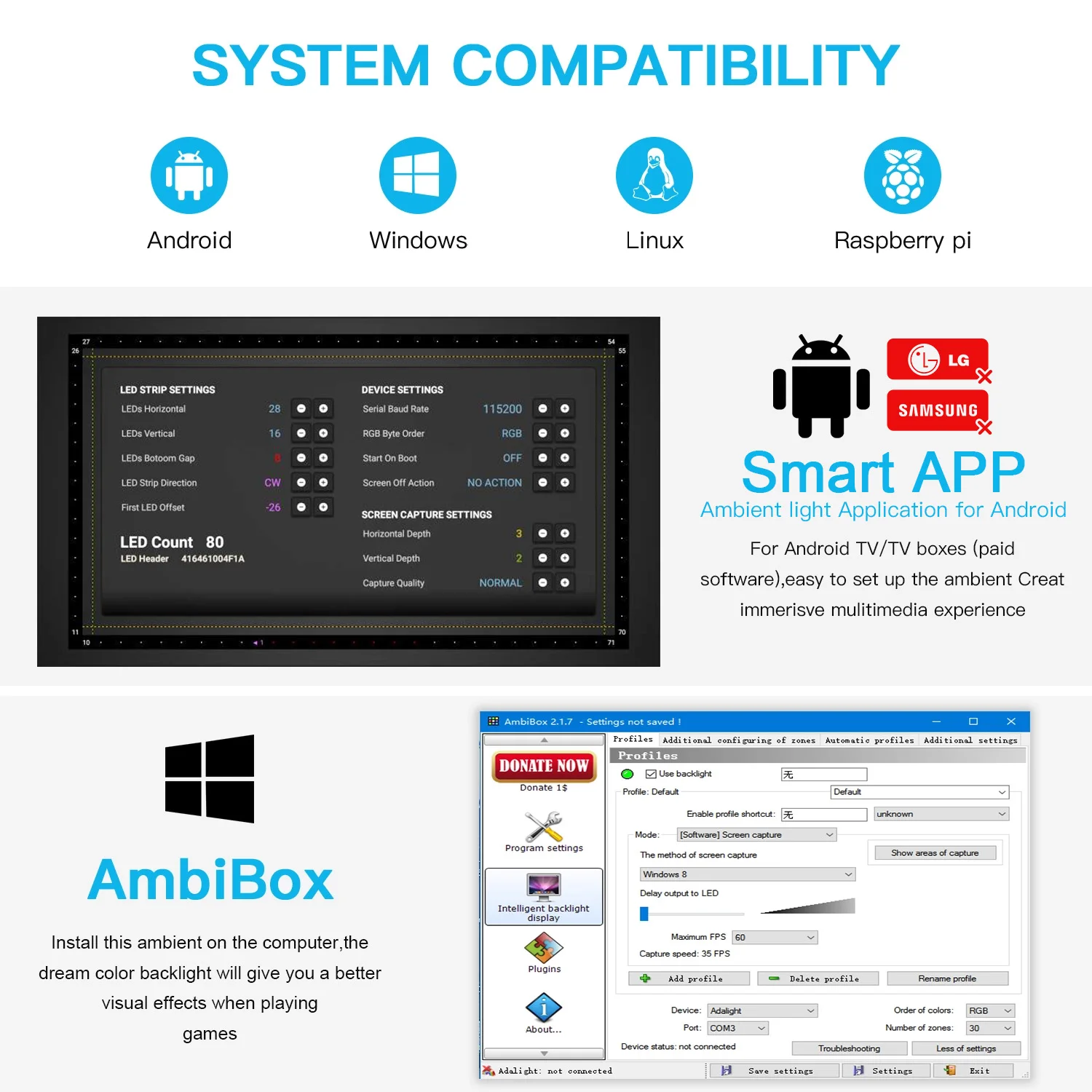
Note: The backlight only works on Android TV, Samsung/LG not belong to Android Operating System.
If you want to use it with non-Android TV, you must connect an extra Android TV box to your TV first, then can be used with our product.

What software is needed?
Windows: Ambibox or Prismatik (https://drive.google.com/file/d/1aR1z_wcBfGw2ixTBYI01CshD_q8RMxxc/view?usp=sharing)
Raspberry Pi: Openelec/libreelec+Hyperion (https://www.youtube.com/watch?v=kBDaC_c6VfI)
Android TV/TV boxs(Android 5.1 or above): Ambient light Application for Android (Paid software)
(Or, the video signal of the computer is output to TV, TV as monitor.)
(Or, install or run Openelec/libreelec+Hyperion on your TV/TV box.)

It is important to know!
The analog TV signal is not processed by the Android OS level, so the backlight application will not work with regular TV channels. The backlight works only with Android OS applications that do not use protected content. 4K performance depends only on your hardware.
Unfortunately, programs such as YouTube and Netflix use protected content (DRM), this application has no ability to work with them. In order to make it work you should use the special client. For example SmartYoutube.


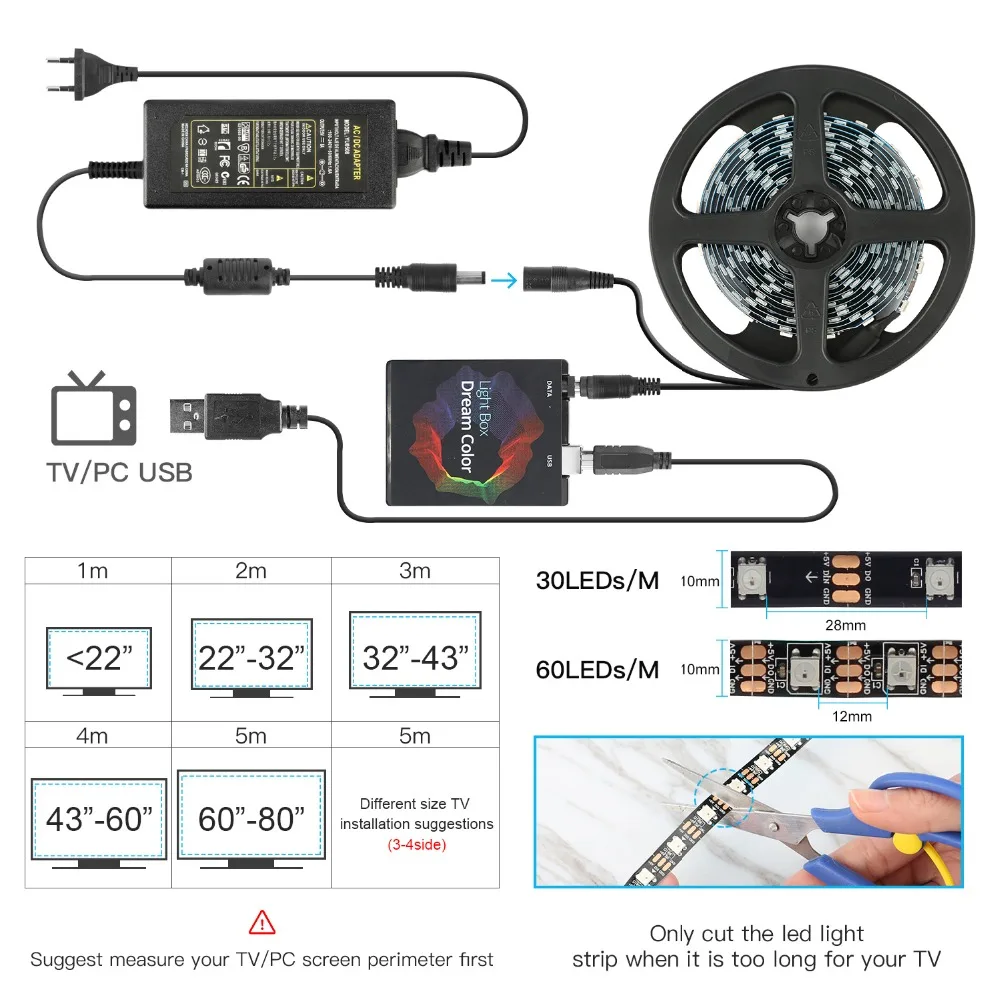
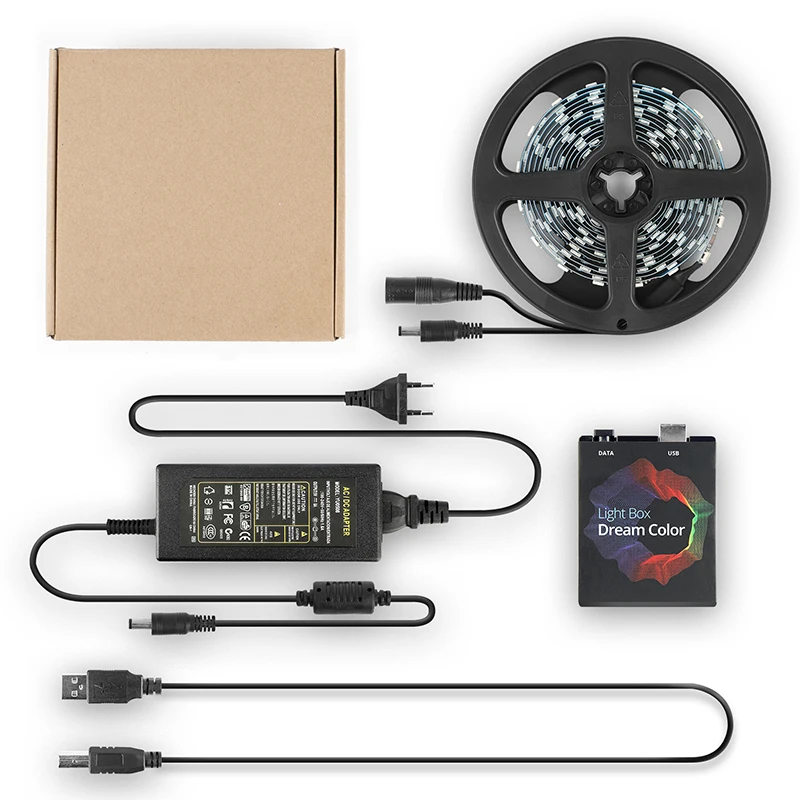
1 * LED Strip
1 * Light Box
1 * USB Cable
1 * Power Adapter

1 * Manual


Warm Prompt:

The setup of this item is a bit complicated, if the product does not work properly, please make sure to contact us first, instead of opening a dispute or writing negative feedback directly, we will definitely help you solve the problem!

2251832778644576-15625083781445


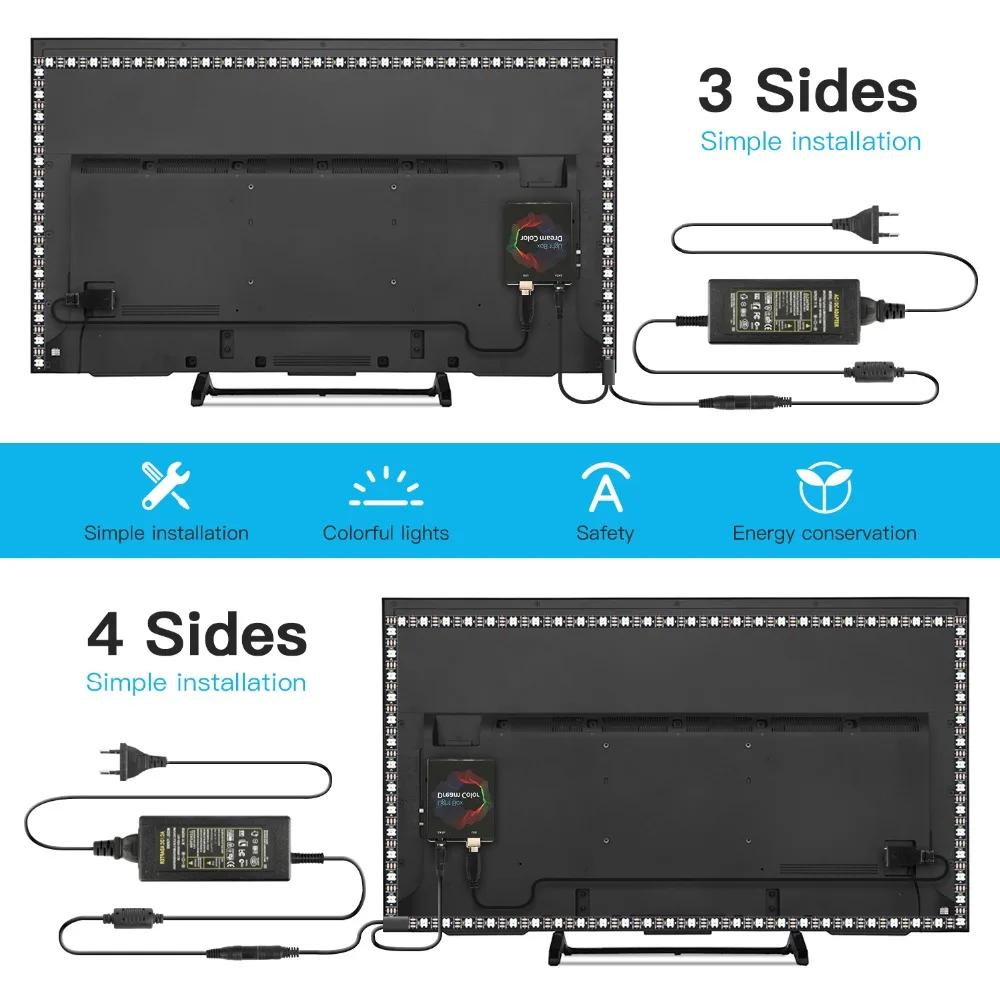
Connect everything well and set up capture area in APP first. If everything is ok after testing, then you can stick the LED strip on the TV and cut strip by demand.

Step 1: Install LED strip light on your TV
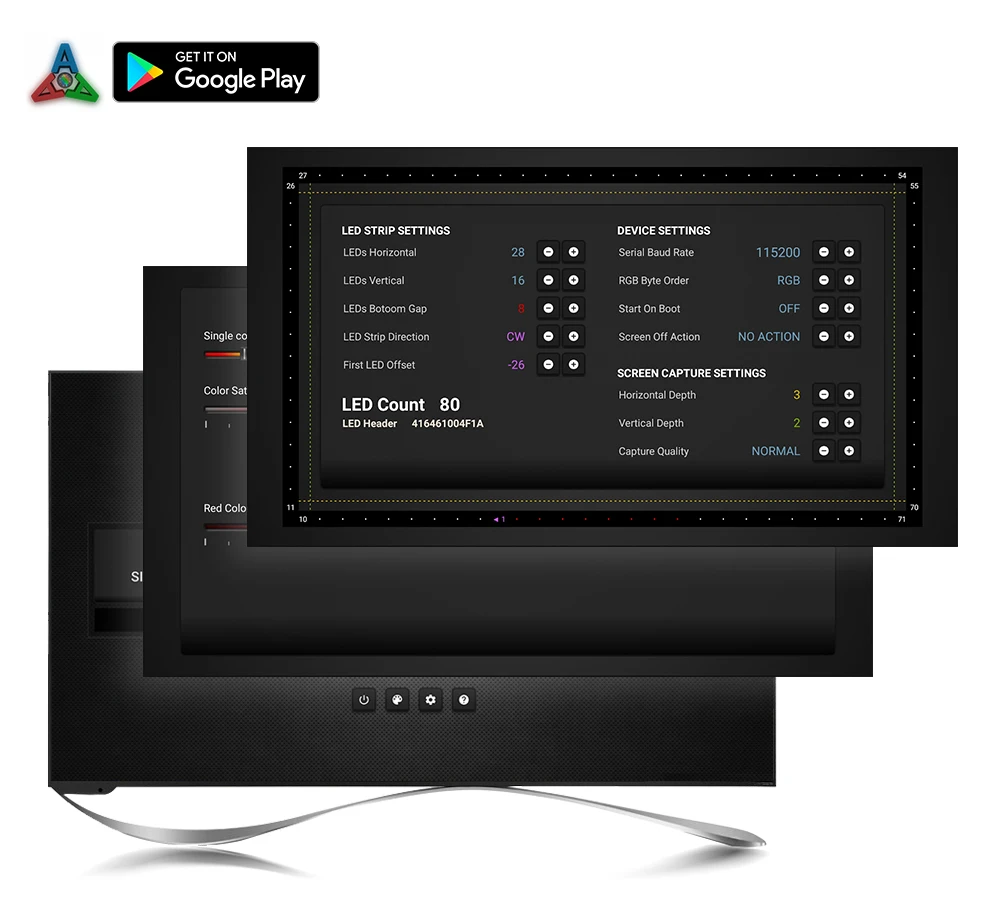
Step 2:Purchasing a Paid Software on Google Play: Ambient light Application for Android
Note: Android TV/TV boxes(Android 5.1 or above)(Xiaomi TV/BOX not recommend)

Base application settings guide: http://ambilight.tender-complex.ru/en/software_setup/


Connect everything well and set up capture area in Ambibox first. If everything is ok after testing, then you can stick the LED strip on the monitor and cut strip by demand.


Install and Ambibox set up guide: https://youtu.be/UAUyKvEt7aE

Step 1: Install LED light on your monitor

Step 2: Setting up the Ambibox Capture Software
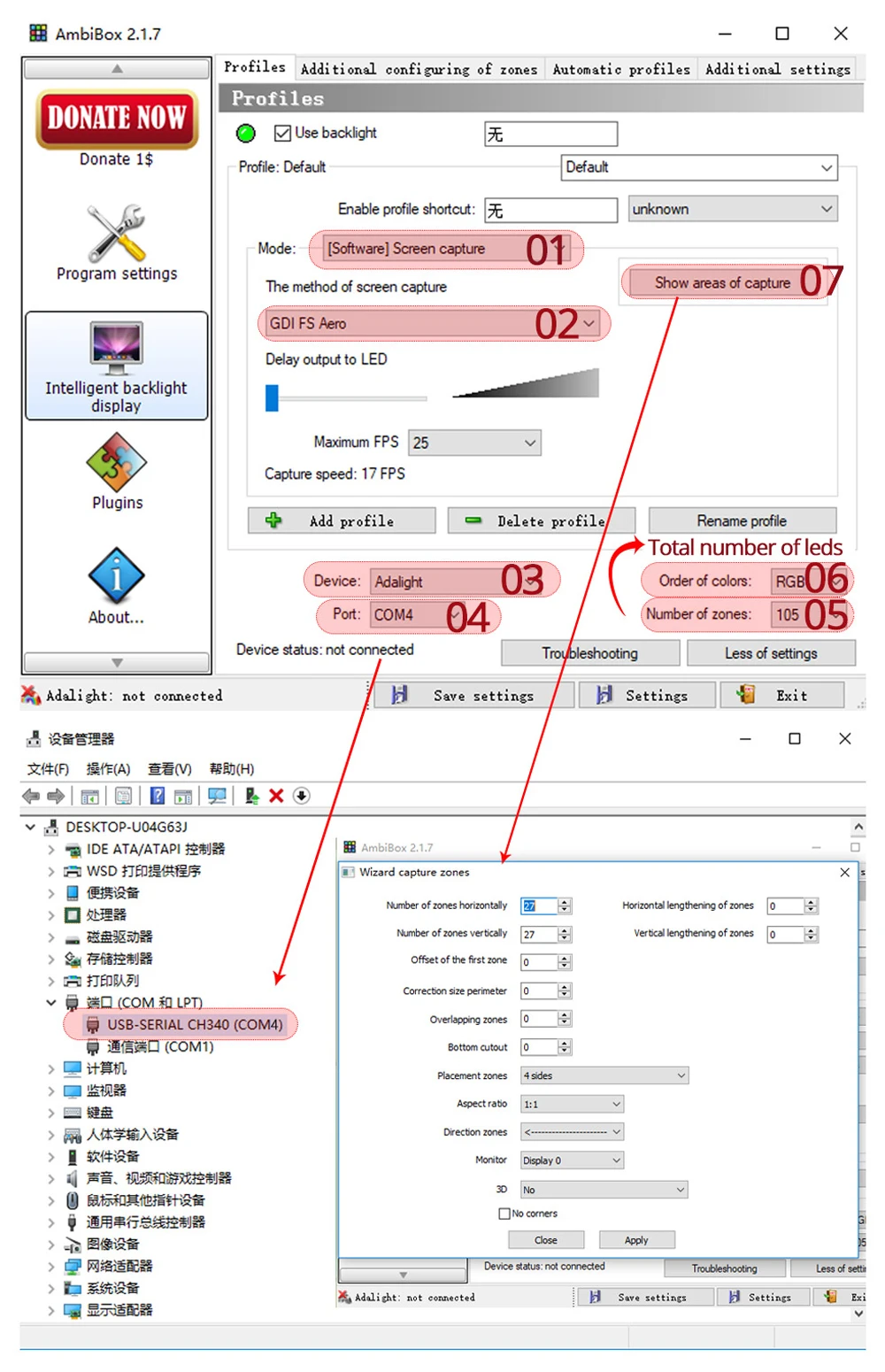
2.1. Ambibox software(Shareware);
Download link: https://drive.google.com/file/d/1aR1z_wcBfGw2ixTBYI01CshD_q8RMxxc/view?usp=sharing
2.2. Run the Ambibox software, when installing, it recommends to use PlayClaw, I wouldn't recommend to using it.
2.3. Select device and set this as "Adalight", under menu of "Intelligent backlight display", select the Port and the COM Port that your device has been detected. If select correctly, you can see Device Status: Connected, also down the bottom left it will say Adalight: connected. If cannot find USB driver/COM port, please download USB CH340: https://drive.google.com/file/d/1GS5FrjN5620I_RKJMOe5IAGNSqlke9jC/view?usp=sharing
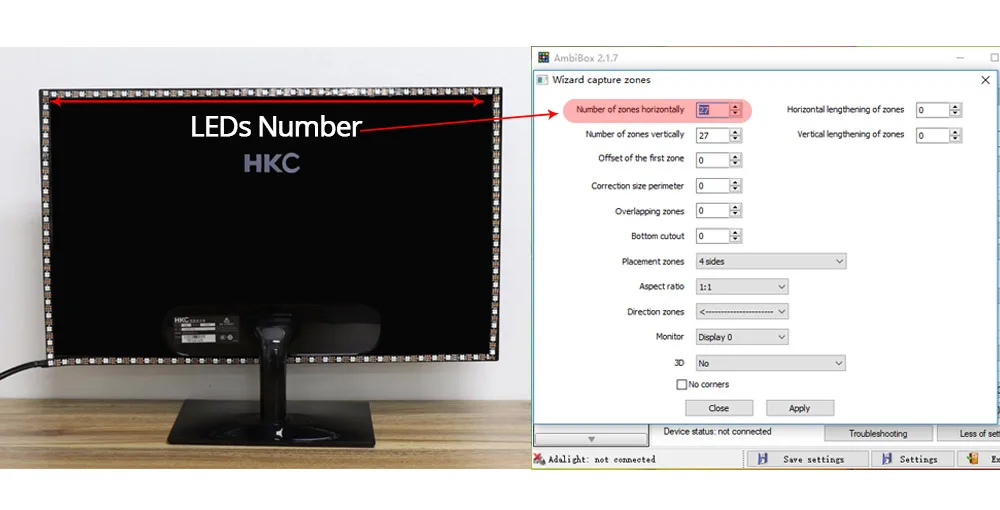
2.4. Once you setted up, you can select the "Wizard capture zones" which will automatically generate all capture zones for you.


PRO TIPS: if you find your colours are washing out or seem very white rather than colourful, adjust your gamma settings, if you getting a white backlight on a pure black screen, increase the size of sample zones, It will take a bit of fine tuning but worth it!


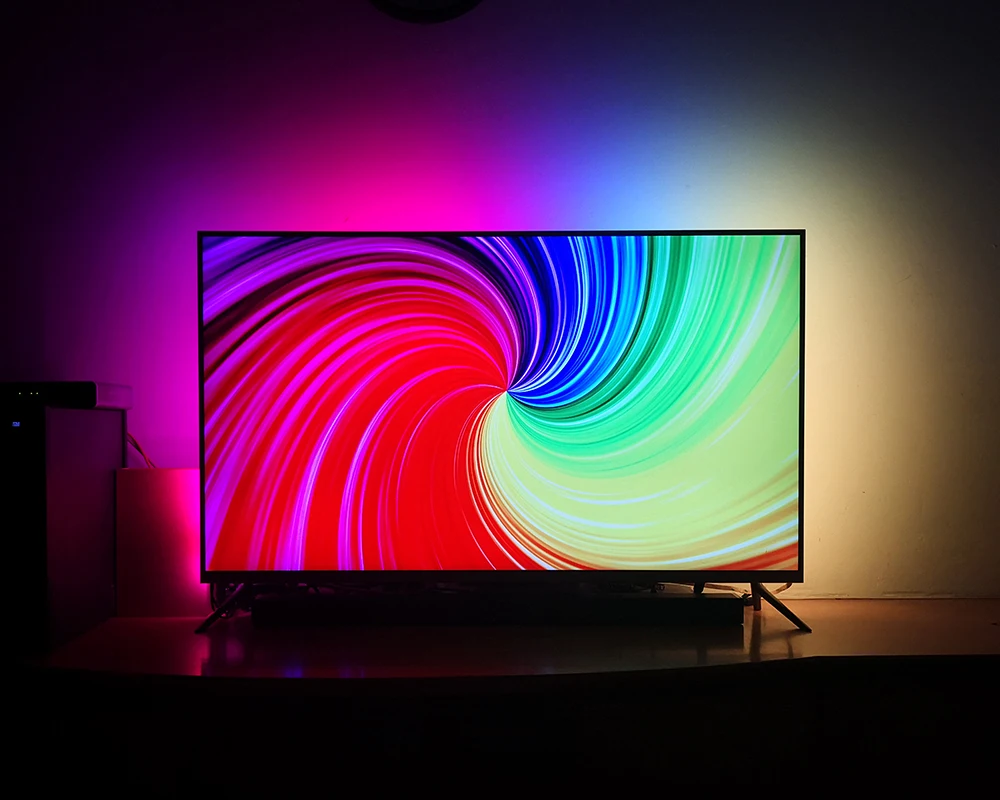
The software analyses what you currently have on the screen, be it a movie, a game, or
anything else, it'll sends this information to the device which in turn lightens the surface
behind the screen with matching colours using the RGB-LEDs available within the device.


Customer Reviews

Be the first to write a review
0%
(0)
0%
(0)
0%
(0)
0%
(0)
0%
(0)
  • Free Shipping

    Shipping will be calculated in real-time at checkout. Orders over $25 ship for FREE For VIP Members. Becoming a VIP member is very simple, you just register yourself on our mailing list. Be the first to know about new collections and exclusive offers and Free Shipping.
    Please insert your best e-mail address and cell phone number on your order so we can provide you with all the necessary information.
    As you may know, different computers display colors differently. The actual item color may vary slightly from the following pictures on your display. For products with applicable measurements please check the size chart carefully before placing an order, if you do not know how to choose the size, please contact our customer service. If you could not find the chart please contact us Choose the larger size if your size is between two sizes. We often experience spikes in orders during holiday periods During holidays shipping may take longer than usual